ℹ️ Skipped - page is already crawled
| Filter | Status | Condition | Details |
|---|---|---|---|
| HTTP status | PASS | download_http_code = 200 | HTTP 200 |
| Age cutoff | PASS | download_stamp > now() - 6 MONTH | 0.2 months ago |
| History drop | PASS | isNull(history_drop_reason) | No drop reason |
| Spam/ban | PASS | fh_dont_index != 1 AND ml_spam_score = 0 | ml_spam_score=0 |
| Canonical | PASS | meta_canonical IS NULL OR = '' OR = src_unparsed | Not set |
| Property | Value |
|---|---|
| URL | https://www.youware.com/blog/how-to-create-an-app |
| Last Crawled | 2026-04-12 06:49:01 (7 days ago) |
| First Indexed | 2026-03-05 01:36:31 (1 month ago) |
| HTTP Status Code | 200 |
| Meta Title | How to Create an App in 2026 (Step-by-Step Guide) |
| Meta Description | Learn how to create an app from scratch with AI. This step-by-step guide walks you through building your first app in under 30 minutes. Start free today. |
| Meta Canonical | null |
| Boilerpipe Text | How to Create an App in 2026 (Step-by-Step Guide) |
| Markdown | 
- PRODUCT
- FEATURES
- RESOURCES
- [ABOUT US](https://www.youware.com/about)
- [COMMUNITY](https://discord.gg/6fBAZ2tzfK)
- [PRICING](https://www.youware.com/subscription?click_from=landing_page&return_mode=history)
Sign in
Get started
[Home](https://www.youware.com/) / [Blog](https://www.youware.com/blog) / [Tutorials](https://www.youware.com/blog/tutorials) / How to Create an App in 2026 (Step-by-Step Guide)
# How to Create an App in 2026 (Step-by-Step Guide)

YouWare Team
March 09, 2026
10 mins read
You've got an app idea. Maybe it's a habit tracker, a budget planner, or a tool for your small business. But every time you Google "how to create an app," you hit the same wall: learn Swift, learn Kotlin, spend six months on tutorials before writing a single line of real code.
Here's the truth: in 2026, you don't need to code to create an app. AI tools can turn your plain-English description into a working application—often in under 30 minutes.
This guide walks you through exactly how to create an app from scratch, step by step.
### What You'll Learn
- How to plan your app idea before building
- Step-by-step instructions to create an app with AI
- Tips to customize, test, and publish your app
- Common mistakes to avoid
## What Kind of App Can You Create?
Before you start building, know what's realistic. AI app builders like [YouWare](https://www.youware.com/) excel at:
**Web apps** — Tools that run in a browser. Dashboards, forms, portfolios, calculators, booking systems, internal business tools. These are the sweet spot for [AI app building](https://www.youware.com/features/ai-app-builder).
**Mobile-responsive web apps** — Your web app works on phones too. Users can even install it like a native app (called a PWA—Progressive Web App).
**Full-stack apps with databases** — Need user accounts? Data storage? YouBase (YouWare's built-in backend) handles authentication, databases, and file storage without you touching server code.
**What's harder:** Native iOS/Android apps for the App Store require additional steps. You can build the functionality with AI, but submitting to app stores involves their review processes.
For this guide, we'll create a web app—the fastest path from idea to working product.
## What You'll Need (Prerequisites)
- A computer with a web browser
- A clear idea of what your app should do (we'll help you clarify this)
- About 30 minutes
- No coding experience required
That's it. No software to install. No environment to configure.
## Step-by-Step: How to Create an App with AI
### Step 1: Define Your App's Core Purpose
Before typing anything into an AI builder, answer these questions:
**Who is this app for?** Be specific. "Everyone" isn't an answer. "Freelancers who forget to send invoices" is.
**What's the one thing it must do?** Resist feature creep. An app that does one thing well beats an app that does ten things poorly.
**What does success look like?** "User can track their daily water intake and see weekly trends."
Write this down. It'll become your prompt.
**Example:** "I want to create a habit tracker for people trying to build morning routines. Users should be able to add habits, mark them complete each day, and see their streak count."
### Step 2: Open YouWare and Describe Your App
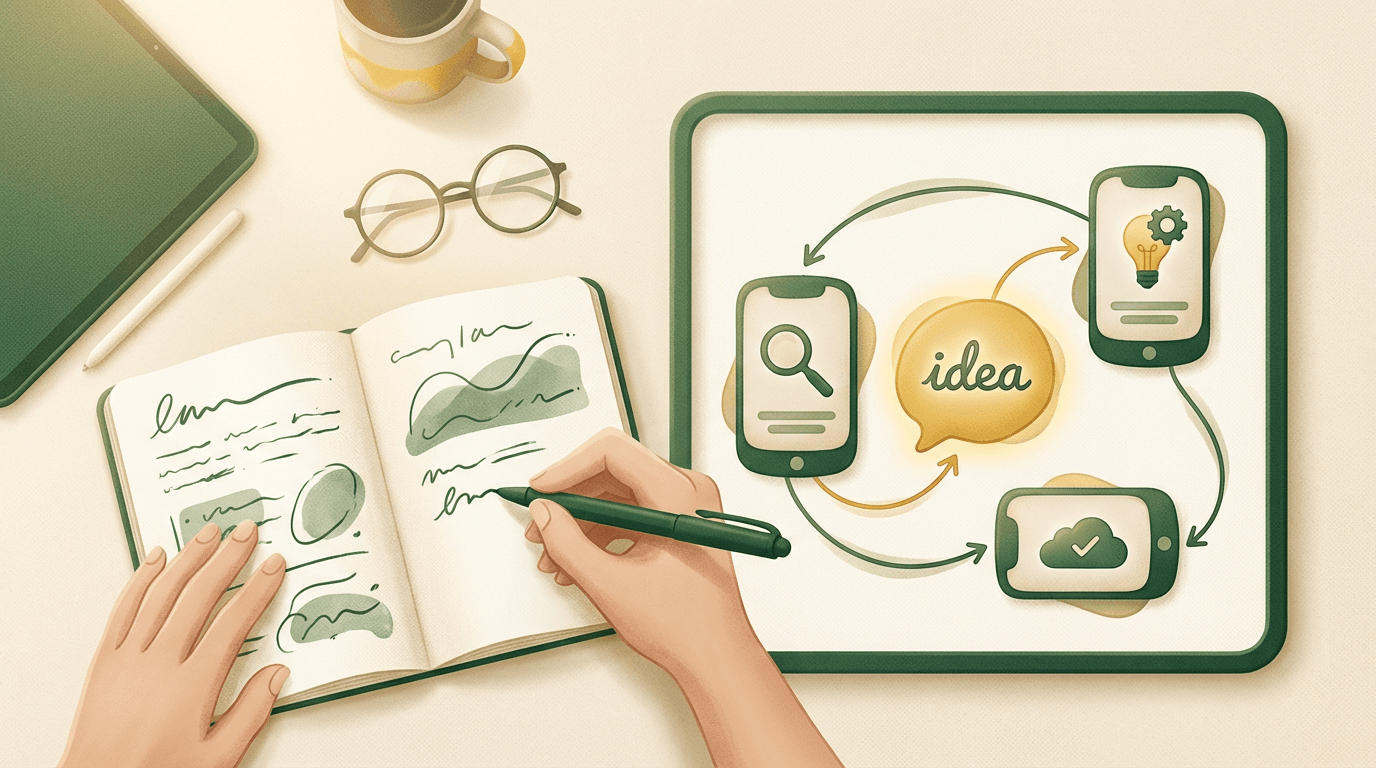
Go to [YouWare's app creator](https://www.youware.com/create) and describe your app in plain English.
Don't worry about being perfect. AI understands context. But the more specific you are, the better results you'll get.
**Weak prompt:**
> "Make me a habit tracker"
**Strong prompt:**
> "Create a habit tracker app where users can add custom habits with names and icons. Each day, they check off completed habits. Show a dashboard with current streaks for each habit and a weekly completion chart. Use a clean, minimal design with green checkmarks for completed items."
Hit enter. Watch AI generate your app.
### Step 3: Review What AI Built
In about 60 seconds, you'll see a working app. Click through it. Test the features. The [AI code generator](https://www.youware.com/features/ai-code-generator) created:
- The user interface (what people see)
- The logic (what happens when you click things)
- The data structure (how information is stored)
Don't expect perfection on the first try. Think of this as a rapid prototype. You'll refine it.
**What to look for:**
- Does the main feature work?
- Is the layout roughly right?
- Are there obvious missing pieces?
### Step 4: Refine with Follow-Up Prompts
Here's where AI app building shines. Instead of rewriting code, you just describe what to change.
**Examples of follow-up prompts:**
- "Make the habit cards larger and add emoji icons"
- "Add a settings page where users can change their name"
- "Change the color scheme to dark mode with purple accents"
- "Add a calendar view that shows which days each habit was completed"
Each prompt triggers a new AI generation. The app updates in real-time.
**Pro tip:** Change one thing at a time. If you ask for five changes at once and something breaks, it's harder to pinpoint the problem.
### Step 5: Add a Backend (If Needed)
Want users to create accounts? Save data between sessions? You need a backend.
With YouWare, this is one sentence:
> "Add user authentication so people can sign up, log in, and save their habits to their account"
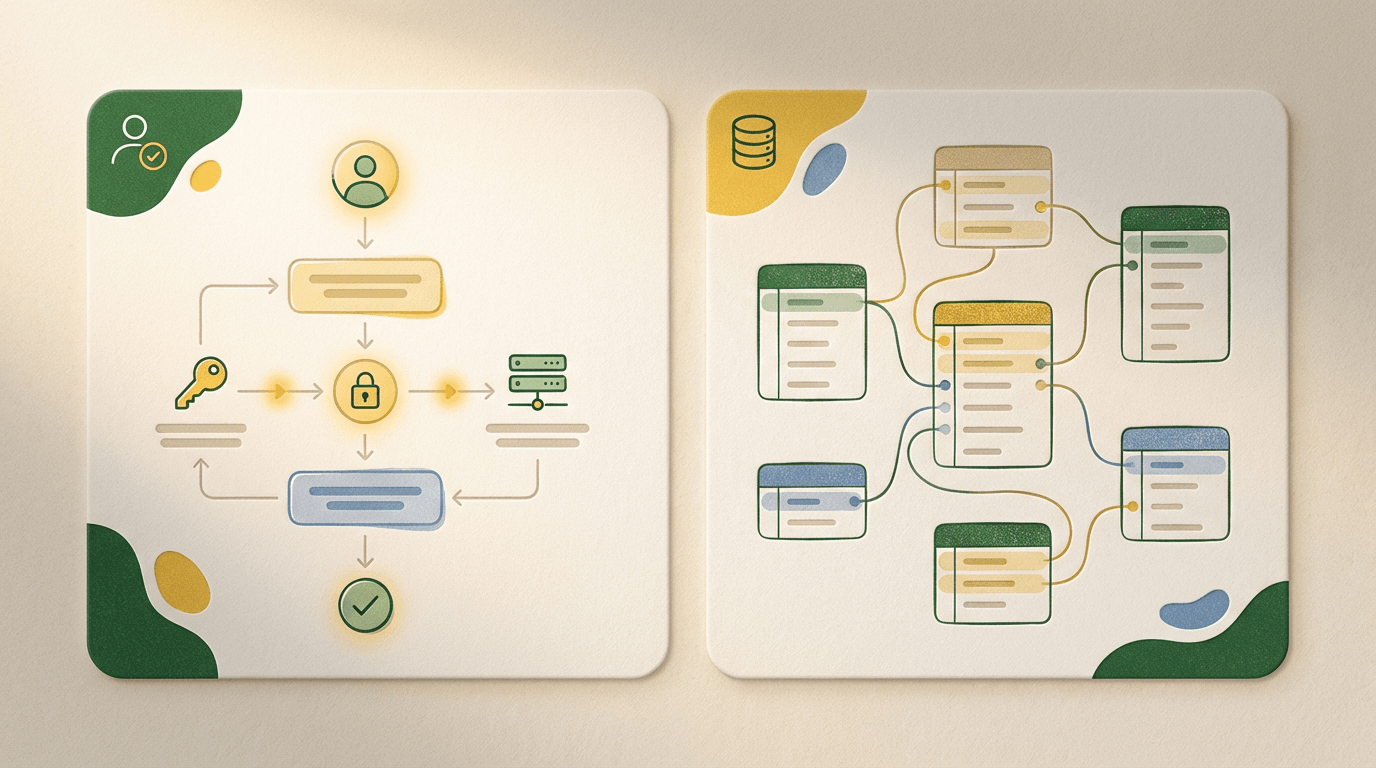
YouBase handles:
- **User accounts** — Sign up, log in, password reset
- **Database** — Store each user's habits and completion history
- **File storage** — If your app needs to save images or files
- **API secrets** — Securely store any third-party API keys
No server configuration. No database setup. Just describe what you need.
### Step 6: Test Your App Thoroughly
Before sharing your app, break it. Try to make it fail.
**Test these scenarios:**
- What happens with no data? (Empty states)
- What happens with too much data? (Performance)
- What if someone enters weird input? (Edge cases)
- Does it work on mobile? (Responsiveness)
When you find bugs, describe them to AI:
> "When I add more than 20 habits, the page loads slowly. Optimize the habit list to handle hundreds of items."
> "On mobile, the sidebar overlaps the main content. Fix the responsive layout."
### Step 7: Publish and Share
Ready for others to use your app? Click the Share button in YouWare.
**Publishing options:**
- **Public link** — Anyone with the URL can access
- **Private link** — Password-protected (4-character code)
- **Community gallery** — Visible to all YouWare users
- **Custom domain** — Use your own URL (Pro plan)
Your app is live. Share the link. Watch people use what you built.
Ready to create your app?
[Start Building Free](https://www.youware.com/create)
## Tips and Best Practices
**Start simpler than you think.** Your first version should do one thing. Add features after the core works.
**Use the Visual Editor for quick tweaks.** Changing a button color or font size? Use YouWare's visual editing mode—no AI credits needed.
**Check version history.** Made a change you regret? YouWare saves every version. Rewind to any previous state.
**Look at existing projects.** Browse YouWare's community gallery. Find apps similar to yours. Remix them as a starting point—or try the [AI website builder](https://www.youware.com/features/ai-website-builder) for a quick portfolio or business site.
**Write prompts like you're explaining to a colleague.** Not too technical, not too vague. "Add a button that exports all habit data as a CSV file" is perfect.
## Common Mistakes to Avoid
**Mistake 1: Starting too complex**
Building "the next Instagram" on day one leads to frustration. Start with a single feature. Prove it works. Then expand.
**Mistake 2: Ignoring mobile users**
Over half of web traffic is mobile. Test your app on your phone. If buttons are too small or text is unreadable, fix it.
**Mistake 3: Not testing with real users**
You know how your app should work. Others don't. Share an early version with 2-3 people. Watch them use it. You'll learn more in 10 minutes than hours of solo testing.
**Mistake 4: Describing problems vaguely**
"It's broken" doesn't help AI fix anything. "When I click the save button, nothing happens and the console shows an error" gets results.
**Mistake 5: Forgetting about empty states**
What does your app look like with zero data? First-time users see this. Design for it.
## What Can You Build Next?
Once you've created your first app, the possibilities expand:
- **Business tools**: CRM, inventory tracker, appointment scheduler
- **Personal productivity**: Budget planner, goal tracker, journal
- **Creative projects**: Portfolio site, interactive resume, quiz game
- **Community tools**: Event RSVP, group polls, shared wishlists
Need a quick [landing page](https://www.youware.com/features/ai-landing-page-generator) for your new project? That's often the fastest starting point.
Each app teaches you patterns. Your second app will be faster than your first. Your tenth will feel effortless.
## Real Users, Real Apps
These aren't hypothetical examples. Here's what actual YouWare users have built:
**Assuman (Niger)** — A government systems developer who built an education data collection application for 24,000+ schools nationwide. His verdict: "This application I completed in a few hours. The performance gain is about 1 to 30 or more."
**Luciano Rodrigues (Brazil)** — A physiotherapist with zero programming background who built a comprehensive patient management system with AI-assisted diagnosis. "Most impressive is that a person with zero programming knowledge can create a truly functional application."
**Colten Newman (Canada)** — A 17-year-old high school student who now builds websites for local small businesses. "I've tried to code before and everything and it was super frustrating and super difficult. And then I was like so cool just to see my ideas come to life."
**Joseph Richardson (USA)** — Built a social web app for a virtual nightclub community with 400 members across 8 countries, complete with user profiles, event calendars, and staff management. "What YouWare allows me to do is insane. Square and Wix have nothing on YouWare."
From students to government developers, from healthcare workers to entrepreneurs—people with no coding background are building real, functional applications.
## FAQ
### Do I really need zero coding experience to create an app?
Yes. YouWare's AI generates React code from plain English descriptions. You don't need to read, write, or understand any code. That said, if you know some basics, you can view and edit the code directly for finer control.
### How long does it take to create an app?
A simple app (landing page, basic form, calculator) can be done in 10-15 minutes. More complex apps with databases and user accounts typically take 30-60 minutes of iterating with AI. Compared to traditional development (weeks or months), it's dramatically faster.
### Is my app really mine? Can I take the code elsewhere?
With YouWare's Pro plan, you can download the complete source code. It's a standard React project. Host it anywhere, modify it however you want. No lock-in.
### What if I want to put my app on the App Store?
YouWare creates web apps that work great on mobile browsers. For native App Store submissions, you'd need to wrap the app using tools like Capacitor or PWA Builder. YouWare handles the core functionality—you'd just need the packaging step.
### How much does it cost to create an app?
You can start free to test the platform. Pro plan at \$20/month gives you 3,000 AI credits—enough for most personal projects. Compare that to hiring a developer (thousands of dollars) or months learning to code.
### What happens when I run out of credits?
Credits replenish monthly on paid plans. Visual edits and manual code changes use zero credits. If you're unsatisfied with AI results, Credit Care lets you rewind and recover credits (30 times/month on Pro).
## Start Creating Your App Today
You've read the guide. You understand the process. Now the only thing left is to try it.
Open [YouWare](https://www.youware.com/), describe your app idea, and watch AI build it. Your first app is waiting.
Turn your idea into an app
[Create Free](https://www.youware.com/create)
### Share this
### Table of Contents
- [What Kind of App Can You Create?](https://www.youware.com/blog/how-to-create-an-app#what-kind-of-app-can-you-create)
- [What You'll Need (Prerequisites)](https://www.youware.com/blog/how-to-create-an-app#what-you-ll-need-prerequisites)
- [Step-by-Step: How to Create an App with AI](https://www.youware.com/blog/how-to-create-an-app#step-by-step-how-to-create-an-app-with-ai)
- [Step 1: Define Your App's Core Purpose](https://www.youware.com/blog/how-to-create-an-app#step-1-define-your-app-s-core-purpose)
- [Step 2: Open YouWare and Describe Your App](https://www.youware.com/blog/how-to-create-an-app#step-2-open-youware-and-describe-your-app)
- [Step 3: Review What AI Built](https://www.youware.com/blog/how-to-create-an-app#step-3-review-what-ai-built)
- [Step 4: Refine with Follow-Up Prompts](https://www.youware.com/blog/how-to-create-an-app#step-4-refine-with-follow-up-prompts)
- [Step 5: Add a Backend (If Needed)](https://www.youware.com/blog/how-to-create-an-app#step-5-add-a-backend-if-needed)
- [Step 6: Test Your App Thoroughly](https://www.youware.com/blog/how-to-create-an-app#step-6-test-your-app-thoroughly)
- [Step 7: Publish and Share](https://www.youware.com/blog/how-to-create-an-app#step-7-publish-and-share)
- [Tips and Best Practices](https://www.youware.com/blog/how-to-create-an-app#tips-and-best-practices)
- [Common Mistakes to Avoid](https://www.youware.com/blog/how-to-create-an-app#common-mistakes-to-avoid)
- [What Can You Build Next?](https://www.youware.com/blog/how-to-create-an-app#what-can-you-build-next)
- [Real Users, Real Apps](https://www.youware.com/blog/how-to-create-an-app#real-users-real-apps)
- [FAQ](https://www.youware.com/blog/how-to-create-an-app#faq)
- [Do I really need zero coding experience to create an app?](https://www.youware.com/blog/how-to-create-an-app#do-i-really-need-zero-coding-experience-to-create-an-app)
- [How long does it take to create an app?](https://www.youware.com/blog/how-to-create-an-app#how-long-does-it-take-to-create-an-app)
- [Is my app really mine? Can I take the code elsewhere?](https://www.youware.com/blog/how-to-create-an-app#is-my-app-really-mine-can-i-take-the-code-elsewhere)
- [What if I want to put my app on the App Store?](https://www.youware.com/blog/how-to-create-an-app#what-if-i-want-to-put-my-app-on-the-app-store)
- [How much does it cost to create an app?](https://www.youware.com/blog/how-to-create-an-app#how-much-does-it-cost-to-create-an-app)
- [What happens when I run out of credits?](https://www.youware.com/blog/how-to-create-an-app#what-happens-when-i-run-out-of-credits)
- [Start Creating Your App Today](https://www.youware.com/blog/how-to-create-an-app#start-creating-your-app-today)
### Share this
## Related Articles
[![How to Build a Resume Website in Minutes with AI \[2026 Guide\]](https://forge-asset.youware.com/1_e182e75720.png) Tutorials How to Build a Resume Website in Minutes with AI \[2026 Guide\] February 25, 2026](https://www.youware.com/blog/how-to-build-resume-website)
[ Tutorials How to Make a Column Chart in Google Sheets March 03, 2026](https://www.youware.com/blog/column-chart-google-sheets)
[ Tutorials How to Make a Card Game: Complete Guide for 2026 January 31, 2026](https://www.youware.com/blog/how-to-make-a-card-game)
## Ready to Build?
Start Building
[](https://apps.apple.com/us/app/youware/id6749667042)[](https://play.google.com/store/apps/details?id=com.arco.youware)
### PRODUCT
- [Explore](https://www.youware.com/explore)
- [Mobile App](https://www.youware.com/mobile)
- [YouBase](https://www.youware.com/features/youbase)
- [Labs](https://www.youware.com/labs)
### RESOURCES
- [Doc](https://docs.youware.com/)
- [YouWare Daily](https://www.youware.com/daily)
- [Blog](https://www.youware.com/blog)
- [Guide](https://www.youware.com/guide)
- [Affiliate](https://www.youware.com/affiliate)
- [Help center](https://www.youware.com/help-center)
### COMPANY
- [About Us](https://www.youware.com/about)
- [Contact us](https://www.youware.com/cdn-cgi/l/email-protection#0c7f797c7c637e784c7563797b6d7e69226f6361)
- [Terms of service](https://www.youware.com/legal/terms-of-service)
- [Privacy policy](https://www.youware.com/legal/privacy-policy)
- [Abuse](https://www.youware.com/cdn-cgi/l/email-protection#c9a8abbcbaac89b0a6bcbea8bbace7aaa6a4)

Auto
Auto
© 2026 YOUWARE
By messaging YouWare, you agree to our By messaging YouWare, you agree to our Terms and Policies.[Terms](https://www.youware.com/legal/terms-of-service) and [Policies](https://www.youware.com/legal/privacy-policy). |
| Readable Markdown | null |
| Shard | 133 (laksa) |
| Root Hash | 5046552675689168333 |
| Unparsed URL | com,youware!www,/blog/how-to-create-an-app s443 |