ℹ️ Skipped - page is already crawled
| Filter | Status | Condition | Details |
|---|---|---|---|
| HTTP status | PASS | download_http_code = 200 | HTTP 200 |
| Age cutoff | PASS | download_stamp > now() - 6 MONTH | 0 months ago |
| History drop | PASS | isNull(history_drop_reason) | No drop reason |
| Spam/ban | PASS | fh_dont_index != 1 AND ml_spam_score = 0 | ml_spam_score=0 |
| Canonical | PASS | meta_canonical IS NULL OR = '' OR = src_unparsed | Not set |
| Property | Value |
|---|---|
| URL | https://www.capcut.com/tools/meme-generator |
| Last Crawled | 2026-04-08 01:34:28 (14 hours ago) |
| First Indexed | 2023-07-28 15:47:53 (2 years ago) |
| HTTP Status Code | 200 |
| Meta Title | AI Meme Generator – Create Funny Memes Easily |
| Meta Description | Use the AI Meme Generator to create funny memes from text or images. Perfect for social media, chats, and personal projects. Free and easy to use. |
| Meta Canonical | null |
| Boilerpipe Text | Create funny memes instantly with the AI Meme Generator. Transform text prompts or your own photos into shareable memes for social media, chats, or personal projects without any design skills.
Key Features of CapCut AI Meme Generator Online
Easy Text-to-Meme Creation
The AI Meme Generator turns text prompts into memes instantly. With the AI Meme Maker, you can create funny memes from text prompts without struggling with complicated design tools.
Photo-Based Meme Maker
Upload your own images and the AI Meme Generator Online will generate memes automatically. This AI Meme Creator ensures your personal photos are ready for social sharing in seconds.
Auto Caption Tool
Use the AI Meme Tool to add captions to images automatically. It simplifies the process, helping anyone generate memes quickly without manually placing text.
Quick Meme Generator for Chats
The AI Meme Generator works seamlessly for messaging apps. A quick meme generator for chat apps allows you to produce humorous content directly from your device and share instantly.
Customizable Meme Templates
Choose from ready-made templates or customize your own. The Automatic Meme Generator adapts to your needs, letting you generate memes for social media posts or personal use with ease.
How to Use CpaCut AI Meme Generator
Step 1: Upload photo and enter prompt
Open CapCut and navigate to the "AI design" section. Use the AI Meme Generator to start your creation. Click "Upload image" to upload your image from your device to use as the base for the meme. Enter a text prompt in the box that describes your meme idea, guiding the AI on the style or punchline (e.g., "turn this photo into a funny comic style" or "camping fail punchline").
Step 2: Generate and refine
Click "Send" to initiate the AI transformation. The AI Meme Generator will analyze your image and apply the requested style. Refine the meme by accessing the editing tools. Add "Text" for captions (using short, bold, high-contrast captions is recommended). Insert "Stickers" for reactions or additional humor. Use "AI tools" like remove background, expand, or Upscale to polish the image.
Step 3: Download and share
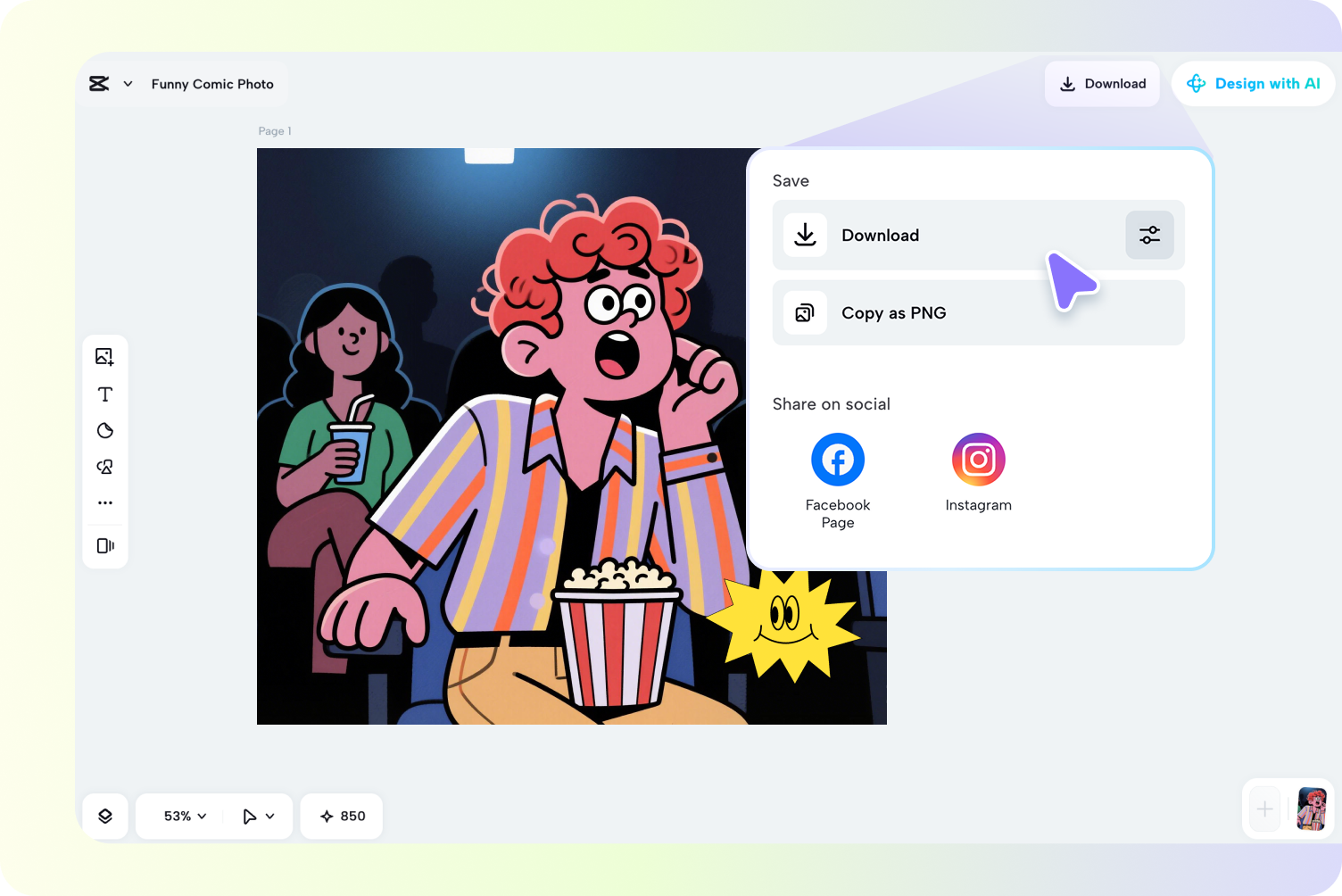
Once your meme is complete and looks perfect, click "Download" at the top-right of the interface. The AI Meme Generator ensures your meme is ready to share instantly. Choose your desired file format (e.g., PNG or JPG) and resolution, then share it on social media platforms like Instagram or Facebook.
A meme generator is an online tool that allows you to create memes by adding text, stickers, or effects to images. Simply upload your photo, enter a description, and the AI does the rest. CapCut's AI meme generator uses advanced models to turn your ideas into viral-ready content instantly.
You can create high-quality memes entirely for free using CapCut's AI Meme Generator. Simply open the online tool, upload your photo to "AI design," and let the generator work its magic. Then, add a funny caption with the Text tool, enhance it with stickers or effects, or refine it further using AI features. Once finished, download your meme as a PNG or JPG file—completely watermark-free.
No, absolutely not. CapCut's AI meme generator is designed to be highly user-friendly and requires no prior design experience. Key features that make it easy:Turns your simple text prompts into polished memes instantly.Ready-made, trending
meme templates
eliminate the need for layout design.Simple drag-and-drop functionality for adding text and images.
Turning your personal photos into memes is one of CapCut's standout features with the AI Meme Generator. Simply upload any image from your device, and the AI transforms it with creative styles, funny captions, or comic effects. You can add speech bubbles, text, stickers, or reactions in seconds—perfect for creating personalized "photo to meme" content that’s ready to go viral.
Yes. The AI Meme Tool lets you adjust captions, fonts, and positions before saving your meme.
Once your meme is ready using CapCut's AI Meme Generator, click "Download" and choose your preferred file format. CapCut supports PNG and JPG for static images, and GIFs or videos if your meme includes animation or AI-generated video elements. All downloads are completely free and watermark-free, making it easy to share your creations anywhere.
Absolutely! With CapCut's AI Meme Generator, you can turn your personal photos into hilarious memes in seconds—no design experience needed. Simply upload an image, let the AI add creative styles, funny captions, or comic effects, and enhance it with speech bubbles, text, stickers, or reactions. Once finished, download your meme as a PNG, JPG, GIF, or video, completely free and watermark-free, perfect for social media, chat apps, or personal projects. |
| Markdown | - Products
- [CapCut DesktopPowerful editing tool](https://www.capcut.com/tools/desktop-video-editor)
- [CapCut OnlineOnline video editor](https://www.capcut.com/creative-suite)
- [CapCut PadEdit anywhere, anytime](https://capcutpad.onelink.me/fNG5/vlcsovk6)
- [CapCut MobileUnlimited templates](https://www.capcut.com/tools/capcut-apk-latest-version-android-download)
- [Dreamina AIImage & video maker](https://dreamina.capcut.com/)
- [Pippit AISmart creative agent](https://pippit.ai/)
- Features
- - AI creation
- [AI Design](https://www.capcut.com/tools/ai-design)
- [Video Studio](https://www.capcut.com/tools/ai-video-generator)
- [AI video generator](https://www.capcut.com/tools/ai-video-generator)
- [AI image generator](https://www.capcut.com/tools/ai-image-generator)
- [AI image enhancer](https://www.capcut.com/tools/ai-image-upscaler)
- [AI Art Generator](https://www.capcut.com/tools/ai-art-generator)
- [AI Tattoo Generator](https://www.capcut.com/tools/ai-tattoo-generator)
- [AI Character Generator](https://www.capcut.com/tools/ai-character-generators)
- [Dreamina Seedance 2.0](https://www.capcut.com/tools/dreamina-seedance-2-0)
- [Nano Banana Pro](https://www.capcut.com/tools/nano-banana-pro)
- - Text & Audio
- [Auto captions](https://www.capcut.com/tools/ai-caption-generator)
- [Caption templates](https://www.capcut.com/resource/caption-template)
- [Speech recognition](https://www.capcut.com/tools/convert-sound-to-text)
- [Text to speech](https://www.capcut.com/tools/text-to-speech)
- [Custom voices](https://www.capcut.com/tools/ai-voice-over)
- [Enhance voice](https://www.capcut.com/tools/voice-enhancer)
- [Reduce noise](https://www.capcut.com/tools/remove-background-noise-from-audio)
- - Image
- [Remove image BG](https://www.capcut.com/tools/image-background-remover)
- [Image merge](https://www.capcut.com/tools/ai-image-combiner)
- [Image Enhancer](https://www.capcut.com/tools/image-resolution-enhancer)
- [Resize Image](https://www.capcut.com/tools/online-image-resizer)
- [Online Photo Editor](https://www.capcut.com/tools/online-photo-editor)
- [Meme Generator](https://www.capcut.com/tools/meme-generator)
- [AI Text Remover](https://www.capcut.com/create/ai-text-remover)
- [AI People Remover](https://www.capcut.com/tools/ai-people-remover)
- [AI Inpainting](https://www.capcut.com/create/image-inpainting)
- [Face Cutout](https://www.capcut.com/tools/face-cutout)
- - Video
- [Remove video BG](https://www.capcut.com/tools/video-background-remover)
- [Enhance quality](https://www.capcut.com/tools/ai-video-enhancer)
- [Video Editor](https://www.capcut.com/tools/online-video-editor)
- [Trim Video](https://www.capcut.com/tools/ai-video-editor)
- [Add Subtitles To Video](https://www.capcut.com/tools/add-subtitles-to-video)
- [Video Converter](https://www.capcut.com/tools/online-video-converter)
- [Seedream 5.0](https://www.capcut.com/tools/seedream-5-0)
- Blog
- - Features
- [AI tools](https://www.capcut.com/tools/ai-tools)
- [Video editor & generator](https://www.capcut.com/tools/video)
- [Image editor & generator](https://www.capcut.com/tools/image)
- [Voice generator & editor](https://www.capcut.com/tools/audio)
- [More](https://www.capcut.com/tools)
- - Use cases
- [Social media](https://www.capcut.com/create/social-media)
- [Marketing](https://www.capcut.com/create/marketing)
- [Lifestyle & Vlogs](https://www.capcut.com/create/lifestyle)
- [Custom design](https://www.capcut.com/create/diy-design)
- [More](https://www.capcut.com/create)
- - Resources
- [How-to guides](https://www.capcut.com/resource/howto-guides)
- [Market Trends](https://www.capcut.com/resource/new-release)
- [Top Picks](https://www.capcut.com/resource/top-lists)
- [Template trends & tips](https://www.capcut.com/resource/hot-templates)
- [More](https://www.capcut.com/resource)
- Templates
- - [Social media templates](https://www.capcut.com/template/social)
- [Holiday templates](https://www.capcut.com/template/holiday)
- [More](https://www.capcut.com/template)
- - [Calendar templates](https://www.capcut.com/template/calendar)
- [Anniversary templates](https://www.capcut.com/template/anniversary)
- - [Effects templates](https://www.capcut.com/template/effects)
- [Business templates](https://www.capcut.com/template/business)
- - [Industry templates](https://www.capcut.com/template/industry)
- [Recap templates](https://www.capcut.com/template/record)
- Discover
- - About
- [Community](https://discord.com/invite/UGkTx28Eqh)
- - Initiatives
- [Affiliates](https://www.capcut.com/partners/affiliate-program)
- [Pioneer Program](https://www.capcut.com/newsroom/pioneer-program)
- [Creative Partner Program](https://www.capcut.com/newsroom/capcut-creative-partner-program)
- [CapCut Creative Campus](https://www.capcut.com/newsroom/capcut-creative-campus)
- - Help
- [Trust Center](https://www.capcut.com/trust)
- [Help Center](https://www.capcut.com/help)
- - Newsroom
- [About CapCut's Terms of Service](https://www.capcut.com/resource/about-capcut-terms-of-service)
- [Dreamina Seedance 2.0 Launch](https://www.capcut.com/newsroom/dreamina-seedance-2)
- [Try online](https://www.capcut.com/login)
Seedance2.0
[Download](https://www.capcut.com/activity/download_pc)
[Home](https://www.capcut.com/)
[Image](https://www.capcut.com/tools/image)
Free Meme Generator
# AI Meme Generator
Create funny memes instantly with the AI Meme Generator. Transform text prompts or your own photos into shareable memes for social media, chats, or personal projects without any design skills.
[Make Memes Online Now](https://www.capcut.com/ai-design)
[📉 Productivity meme: focus vs endless distractions](https://www.capcut.com/ai-design)
[💻 Work-from-home meme: plans vs reality](https://www.capcut.com/ai-design)
[⏰ Procrastination meme everyone understands](https://www.capcut.com/ai-design)
[📊 Marketing meme](https://www.capcut.com/ai-design)
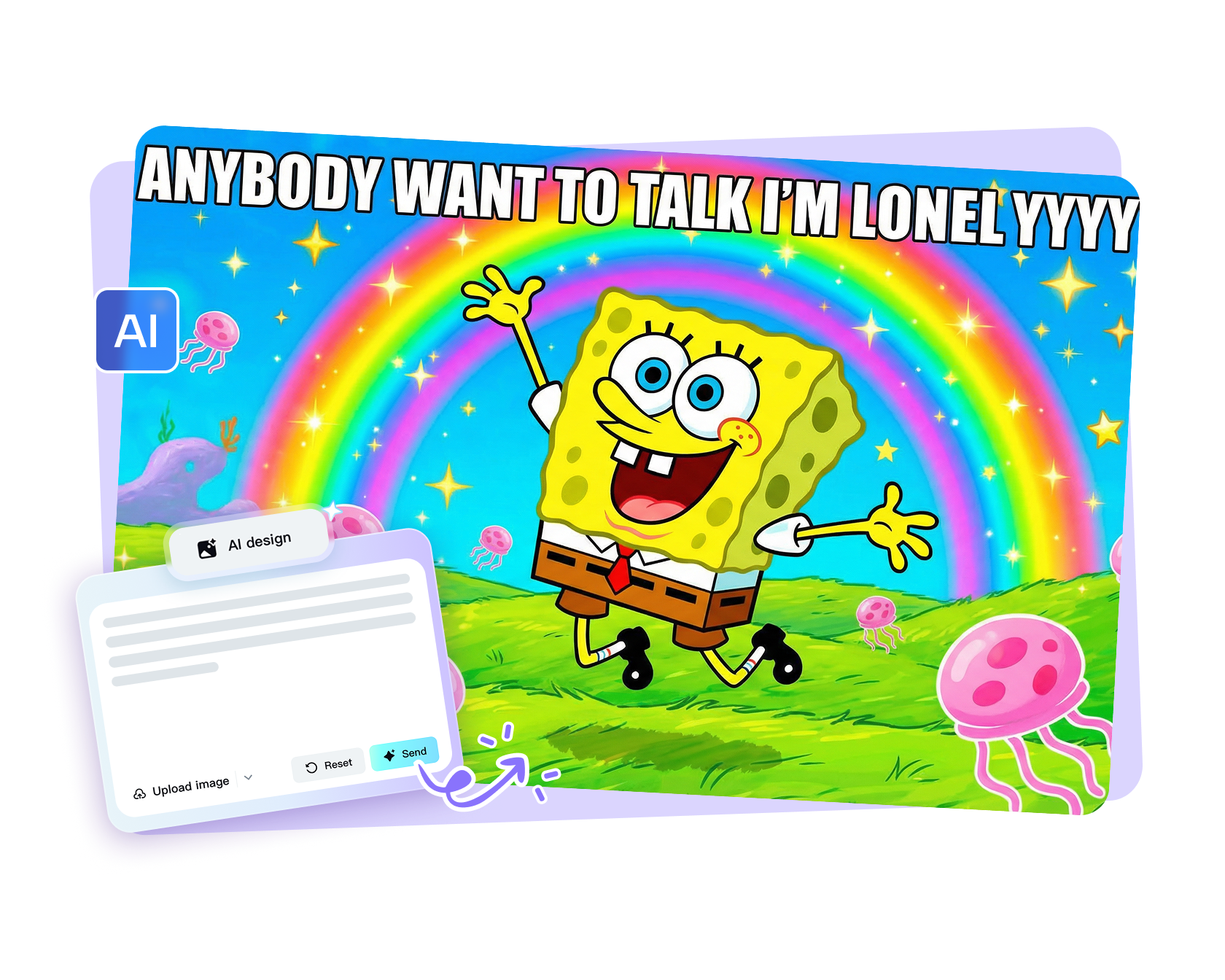
## Key Features of CapCut AI Meme Generator Online
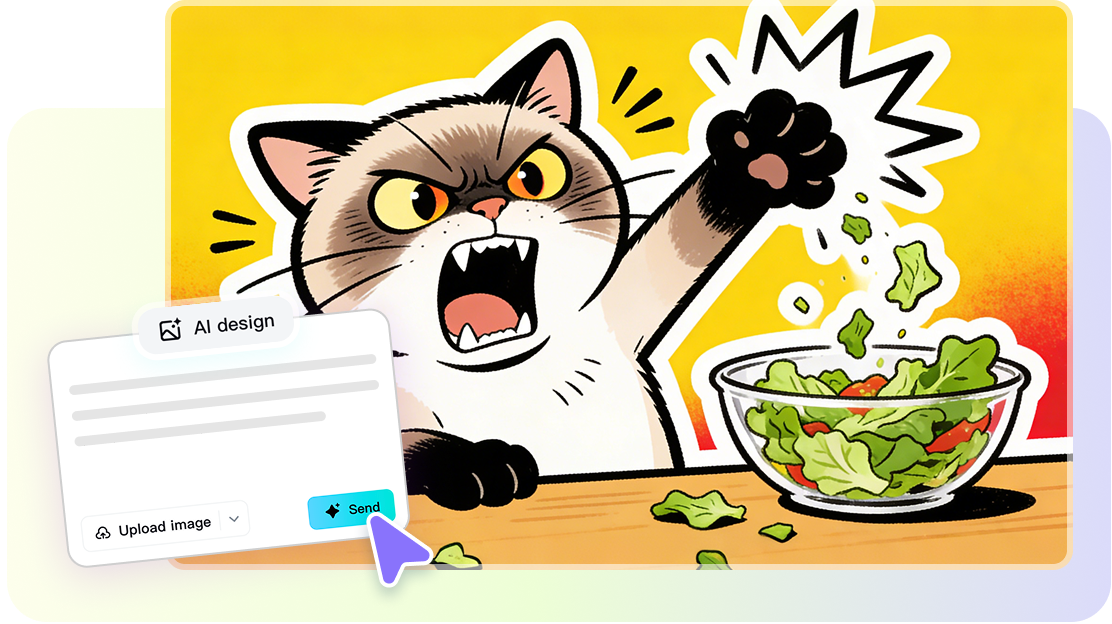
### Easy Text-to-Meme Creation
The AI Meme Generator turns text prompts into memes instantly. With the AI Meme Maker, you can create funny memes from text prompts without struggling with complicated design tools.
[Make Memes Online Now](https://www.capcut.com/ai-design)
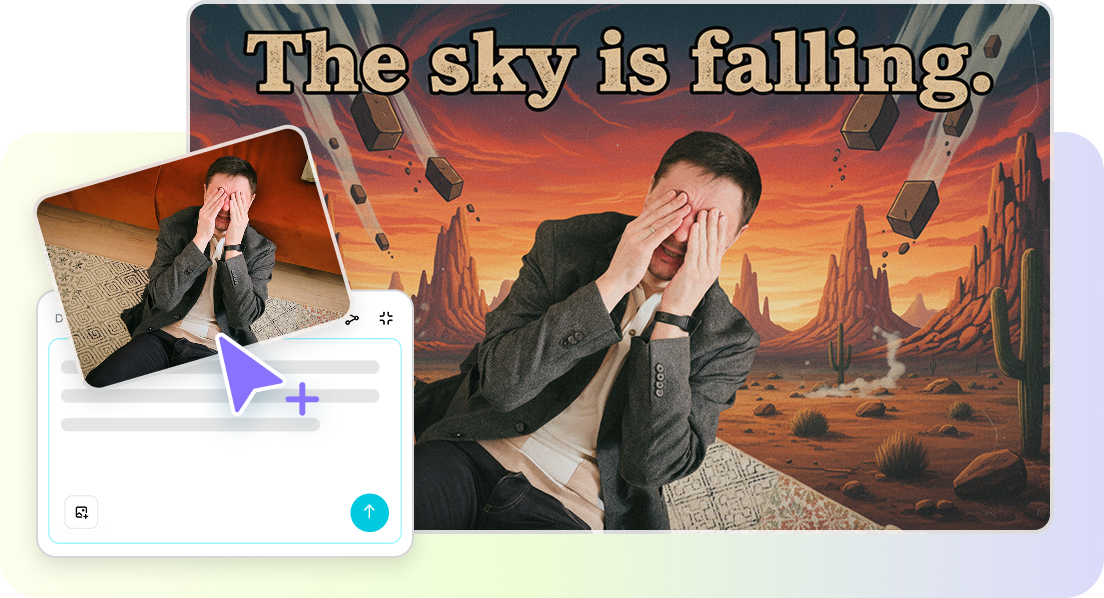
### Photo-Based Meme Maker
Upload your own images and the AI Meme Generator Online will generate memes automatically. This AI Meme Creator ensures your personal photos are ready for social sharing in seconds.
[Make Memes Online Now](https://www.capcut.com/ai-design)
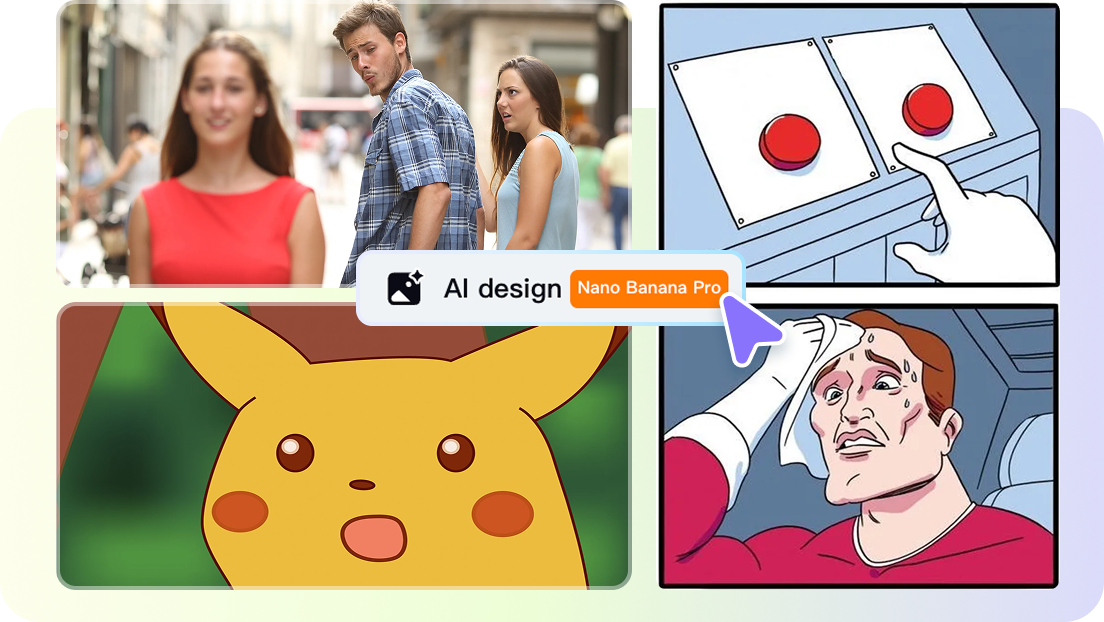
### Auto Caption Tool
Use the AI Meme Tool to add captions to images automatically. It simplifies the process, helping anyone generate memes quickly without manually placing text.
[Make Memes Online Now](https://www.capcut.com/ai-design)
### Quick Meme Generator for Chats
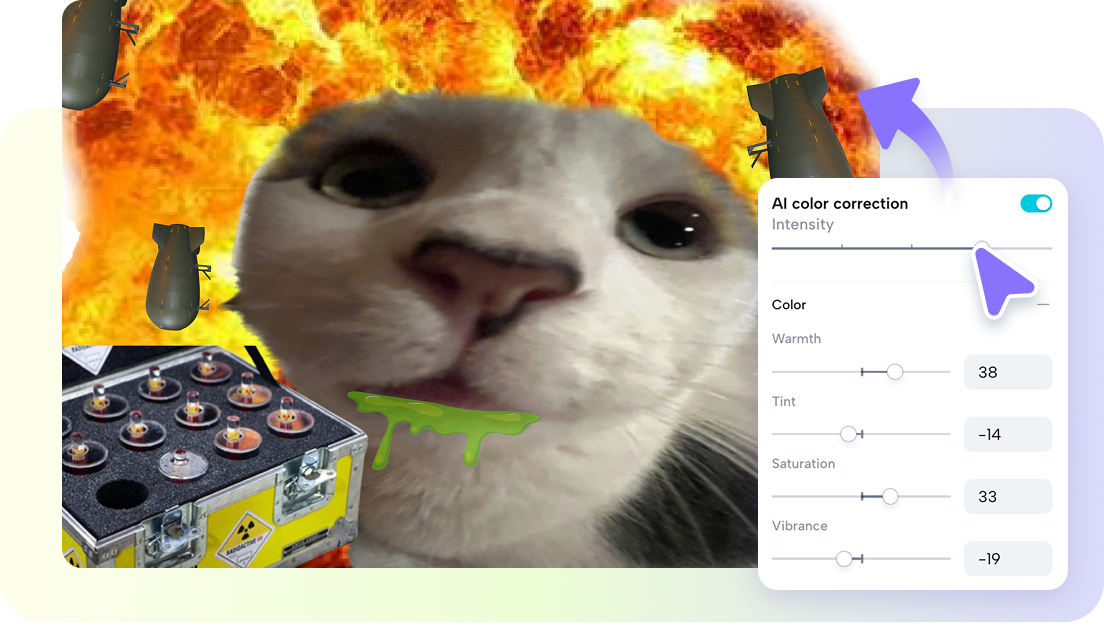
The AI Meme Generator works seamlessly for messaging apps. A quick meme generator for chat apps allows you to produce humorous content directly from your device and share instantly.
[Make Memes Online Now](https://www.capcut.com/ai-design)
### Customizable Meme Templates
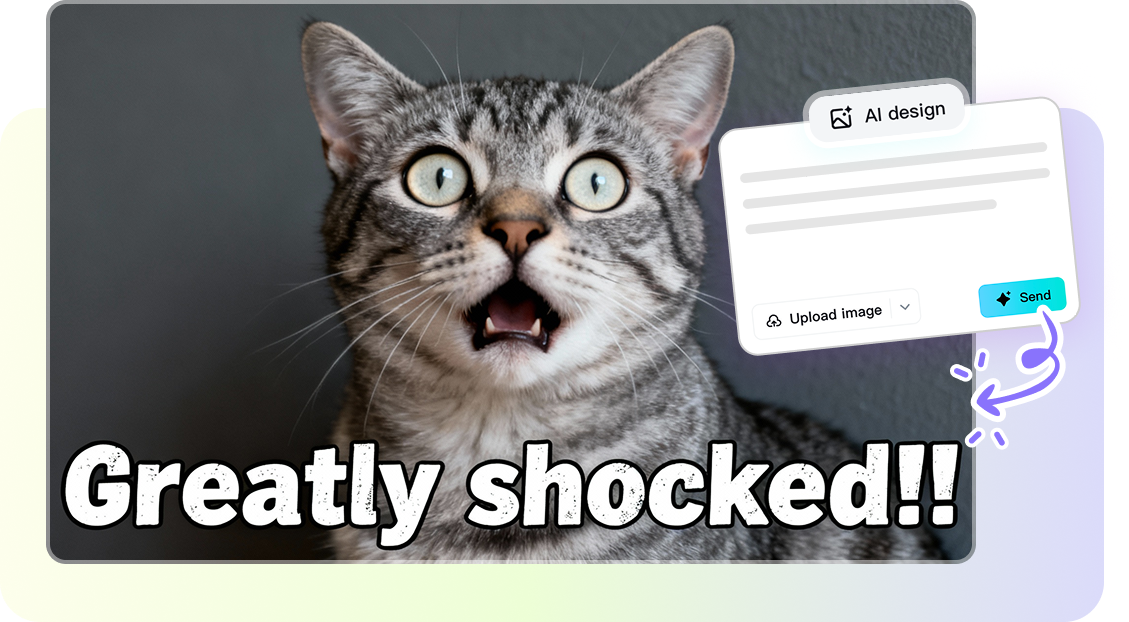
Choose from ready-made templates or customize your own. The Automatic Meme Generator adapts to your needs, letting you generate memes for social media posts or personal use with ease.
[Make Memes Online Now](https://www.capcut.com/ai-design)
## How to Use CpaCut AI Meme Generator
### **Step 1: Upload photo and enter prompt**
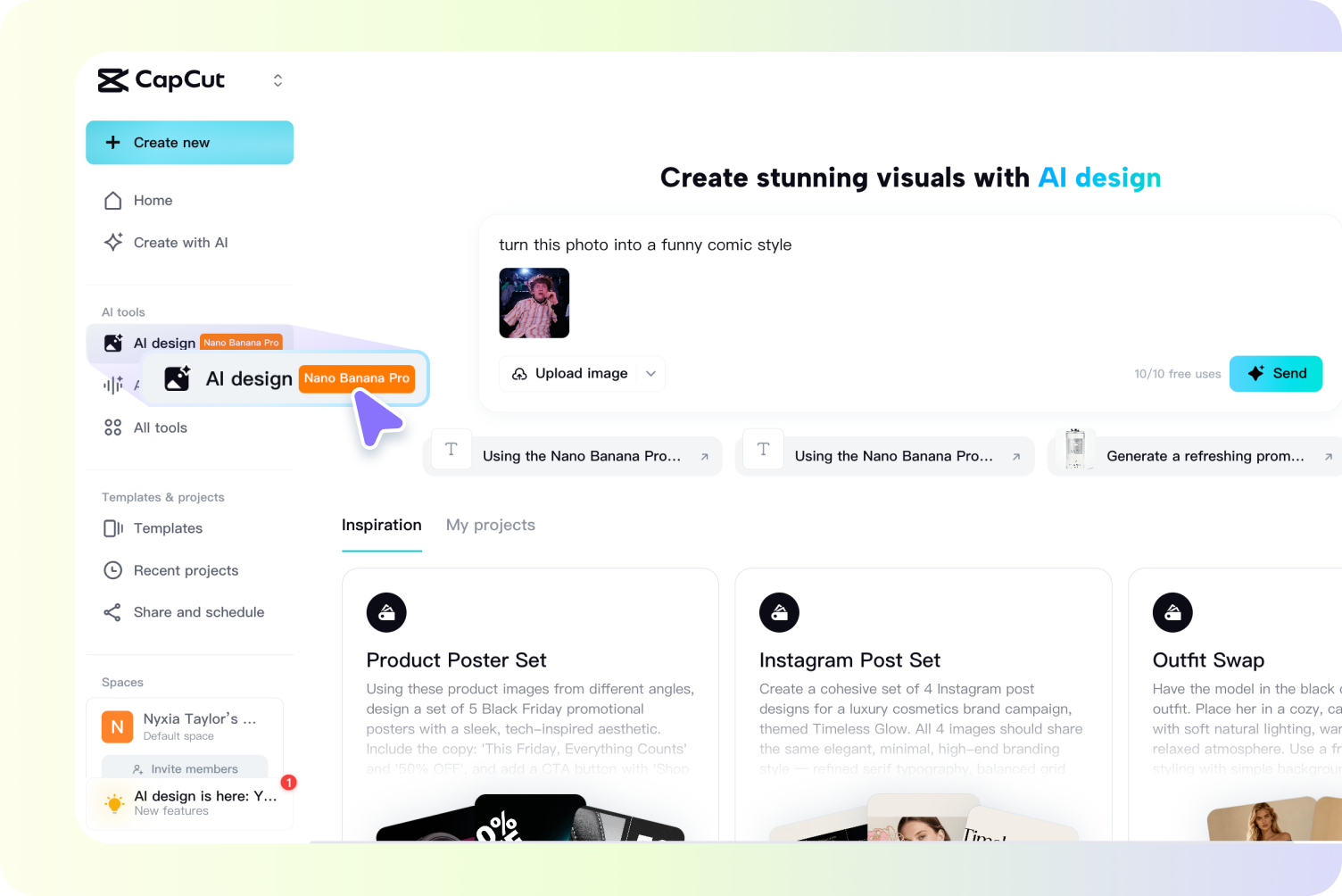
Open CapCut and navigate to the "AI design" section. Use the AI Meme Generator to start your creation. Click "Upload image" to upload your image from your device to use as the base for the meme. Enter a text prompt in the box that describes your meme idea, guiding the AI on the style or punchline (e.g., "turn this photo into a funny comic style" or "camping fail punchline").
### **Step 2: Generate and refine**
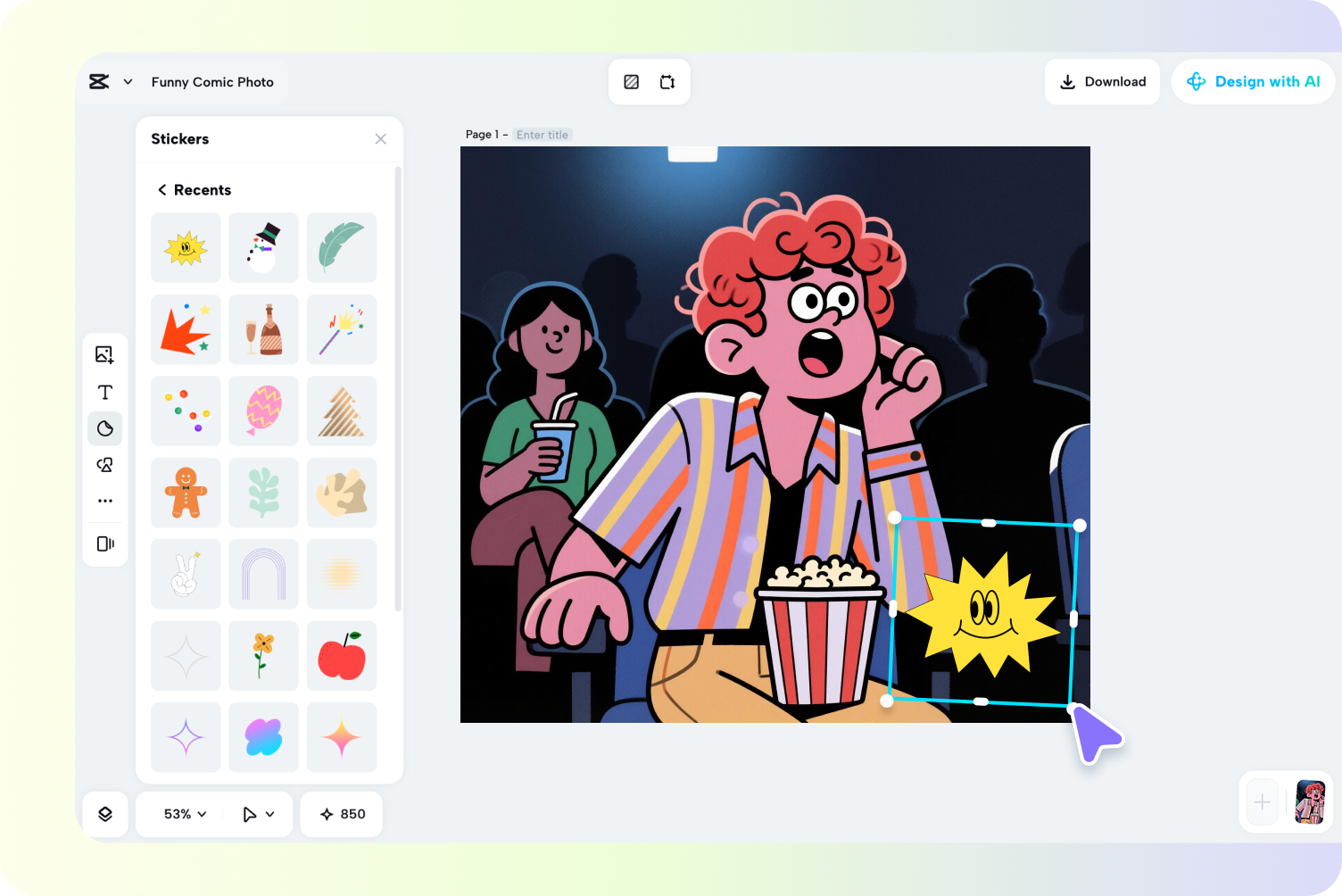
Click "Send" to initiate the AI transformation. The AI Meme Generator will analyze your image and apply the requested style. Refine the meme by accessing the editing tools. Add "Text" for captions (using short, bold, high-contrast captions is recommended). Insert "Stickers" for reactions or additional humor. Use "AI tools" like remove background, expand, or Upscale to polish the image.
### **Step 3: Download and share**
Once your meme is complete and looks perfect, click "Download" at the top-right of the interface. The AI Meme Generator ensures your meme is ready to share instantly. Choose your desired file format (e.g., PNG or JPG) and resolution, then share it on social media platforms like Instagram or Facebook.
[Make Memes Online Now](https://www.capcut.com/ai-design)
## Benefits of Using AI Meme Generator
### Save Time
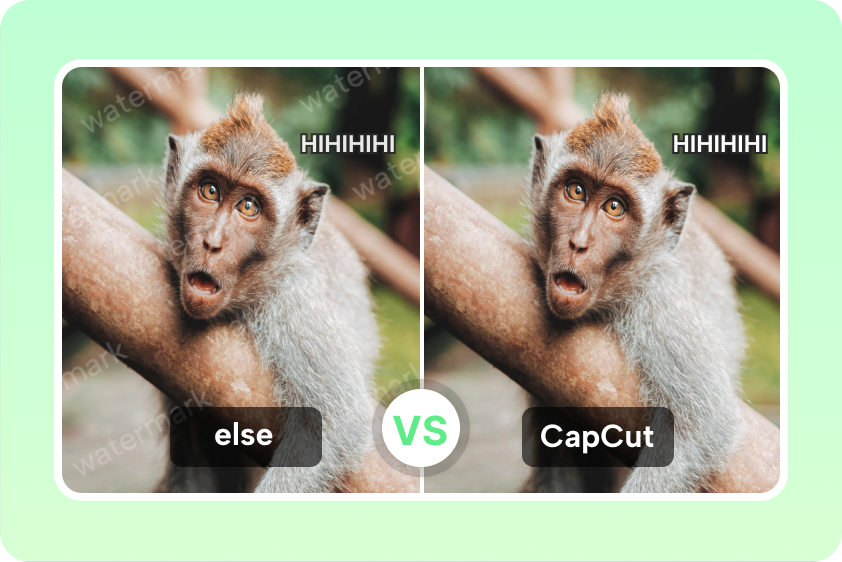
The AI Meme Generator speeds up meme creation, letting you generate memes for social media posts in seconds without complex tools.

### No Design Skills Needed
Even beginners can make memes effortlessly. The AI Meme Creator removes design hurdles, letting anyone create funny memes from text prompts.
### Easy Sharing
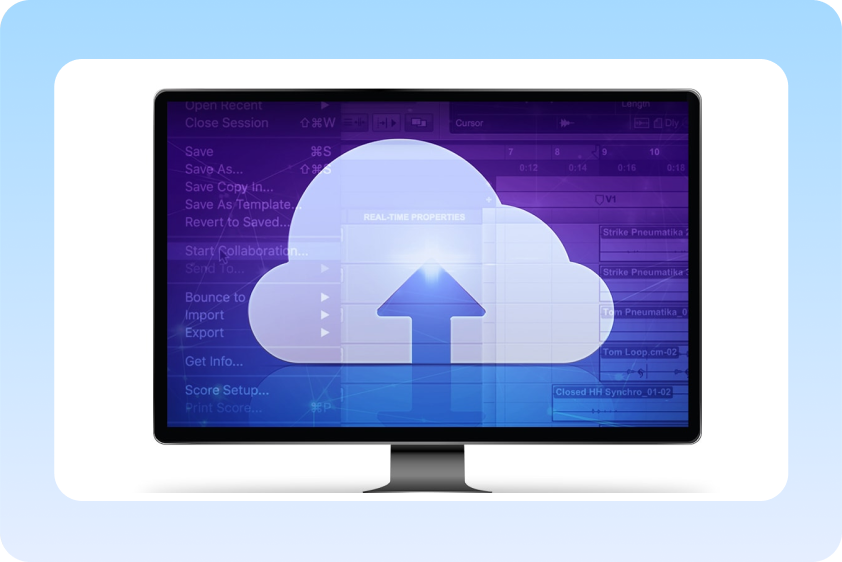
Memes from the AI Meme Generator are ready for chat apps or social media, enabling instant sharing without extra editing or formatting.
[Make Memes Online Now](https://www.capcut.com/ai-design)
## Use cases of online meme generator
Let's dive into the real scenes where you can use AI-generated memes.
### Social Media Engagement
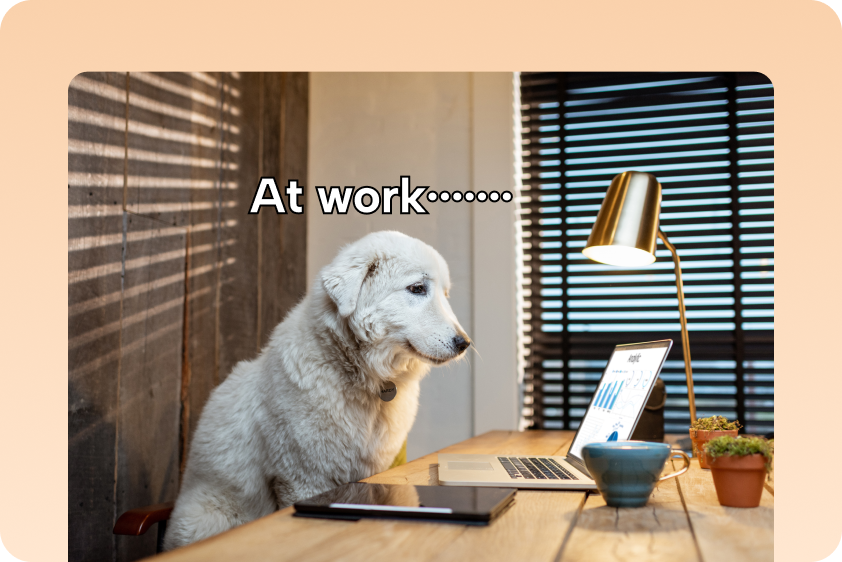
Create funny memes from text prompts to boost likes, shares, and comments across Instagram, Facebook, and TikTok using the AI Meme Generator.
### Personal Entertainment
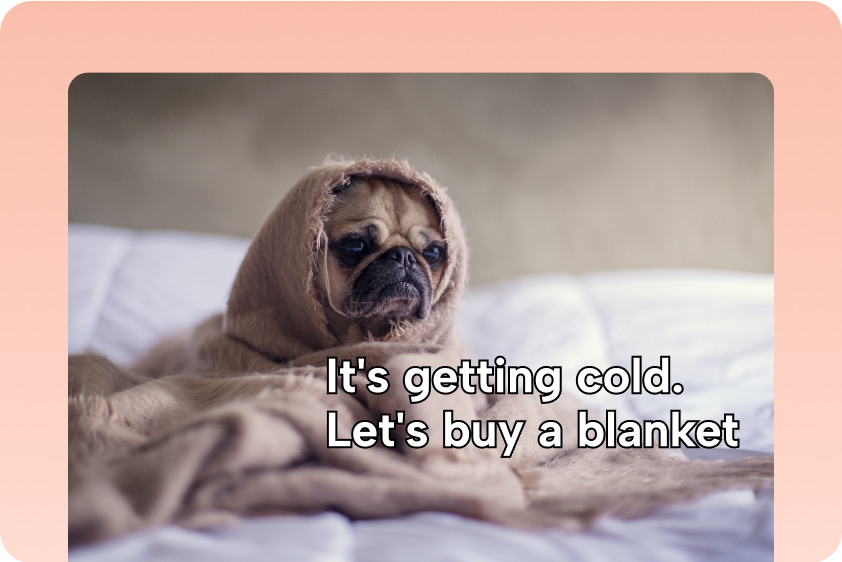
Generate memes for chats or personal projects. The AI Meme Tool makes it simple to turn your own photos into shareable, humorous memes.
### Marketing Campaigns
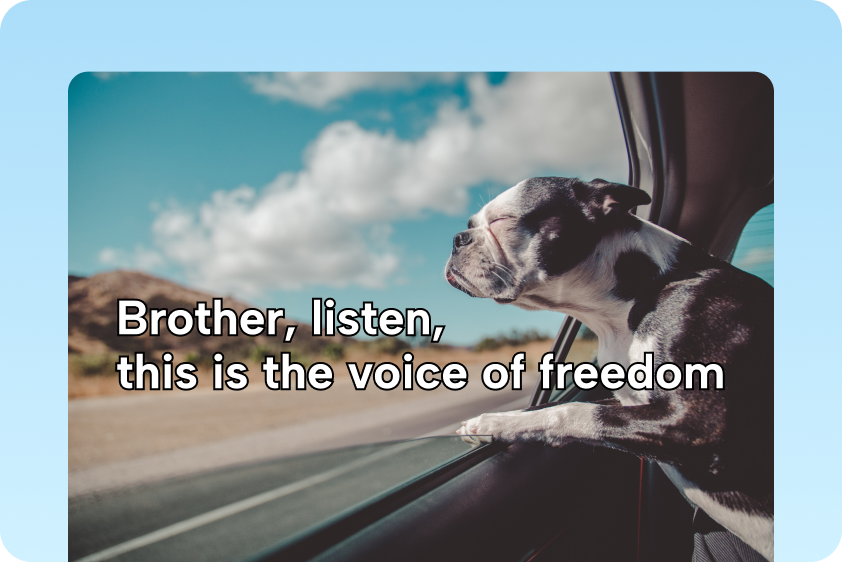
Produce memes quickly for campaigns. The Automatic Meme Generator helps create memes for social media posts without hiring designers.
[Make Memes Online Now](https://www.capcut.com/ai-design)
## Explore More AI Tools
[AI face cutout](https://www.capcut.com/tools/face-cutout)[AI image inpainting](https://www.capcut.com/create/image-inpainting)[AI tattoo generator](https://www.capcut.com/tools/ai-tattoo-generator)[AI character generator](https://www.capcut.com/tools/ai-character-generators)[AI people remover](https://www.capcut.com/tools/ai-people-remover)[AI text remover](https://www.capcut.com/create/ai-text-remover)[Image Resolution Enhancer](https://www.capcut.com/tools/image-resolution-enhancer)[Online Image Resizer](https://www.capcut.com/tools/online-image-resizer)
## Frequently Asked Questions
### **What is an AI meme generator and how does it work?**
A meme generator is an online tool that allows you to create memes by adding text, stickers, or effects to images. Simply upload your photo, enter a description, and the AI does the rest. CapCut's AI meme generator uses advanced models to turn your ideas into viral-ready content instantly.
### **How to make a meme photo for free?**
You can create high-quality memes entirely for free using CapCut's AI Meme Generator. Simply open the online tool, upload your photo to "AI design," and let the generator work its magic. Then, add a funny caption with the Text tool, enhance it with stickers or effects, or refine it further using AI features. Once finished, download your meme as a PNG or JPG file—completely watermark-free.
### **Do I need design skills to use a** AI meme generator**?**
No, absolutely not. CapCut's AI meme generator is designed to be highly user-friendly and requires no prior design experience. Key features that make it easy:Turns your simple text prompts into polished memes instantly.Ready-made, trending [meme templates](https://www.capcut.com/resource/best-meme-templates) eliminate the need for layout design.Simple drag-and-drop functionality for adding text and images.
### **Can I upload my own photo for memes?**
Turning your personal photos into memes is one of CapCut's standout features with the AI Meme Generator. Simply upload any image from your device, and the AI transforms it with creative styles, funny captions, or comic effects. You can add speech bubbles, text, stickers, or reactions in seconds—perfect for creating personalized "photo to meme" content that’s ready to go viral.
### Can I customize the captions?
Yes. The AI Meme Tool lets you adjust captions, fonts, and positions before saving your meme.
### What formats can I export (PNG/JPG/GIF/video)?
Once your meme is ready using CapCut's AI Meme Generator, click "Download" and choose your preferred file format. CapCut supports PNG and JPG for static images, and GIFs or videos if your meme includes animation or AI-generated video elements. All downloads are completely free and watermark-free, making it easy to share your creations anywhere.
### Can I create memes for social media?
Absolutely! With CapCut's AI Meme Generator, you can turn your personal photos into hilarious memes in seconds—no design experience needed. Simply upload an image, let the AI add creative styles, funny captions, or comic effects, and enhance it with speech bubbles, text, stickers, or reactions. Once finished, download your meme as a PNG, JPG, GIF, or video, completely free and watermark-free, perfect for social media, chat apps, or personal projects.
## Amaze Your Audience with AI Meme Generator
[Make Memes Online Now](https://www.capcut.com/ai-design)
- Products
- [CapCut Desktop](https://www.capcut.com/tools/desktop-video-editor)
- [CapCut Online](https://www.capcut.com/creative-suite)
- [CapCut Pad](https://capcutpad.onelink.me/fNG5/vlcsovk6)
- [CapCut Mobile](https://www.capcut.com/tools/video-editing-app)
- AI Features
- [AI image generator](https://www.capcut.com/tools/ai-image-generator)
- [AI video generator](https://www.capcut.com/tools/ai-video-generator)
- [AI dialogue scene](https://www.capcut.com/tools/ai-dialogue-generator)
- [AI Design](https://www.capcut.com/tools/ai-design)
- [AI Voice Generator](https://www.capcut.com/tools/ai-voice-generator)
- [Auto Caption Generator](https://www.capcut.com/tools/ai-caption-generator)
- [AI Art Generator](https://www.capcut.com/tools/ai-art-generator)
- [AI Logo Generator](https://www.capcut.com/tools/ai-logo-generator)
- [AI Character Generator](https://www.capcut.com/tools/ai-character-generators)
- [AI Tattoo Generator](https://www.capcut.com/tools/ai-tattoo-generator)
- [AI Character Generator](https://www.capcut.com/tools/ai-character-generators)
- [Dreamina Seedance 2.0](https://www.capcut.com/tools/dreamina-seedance-2-0)
- [Nano Banana Pro](https://www.capcut.com/tools/nano-banana-pro)
- Image & Video
- [Remove Background](https://www.capcut.com/tools/image-background-remover)
- [Transparent Background](https://www.capcut.com/tools/transparent-background-maker)
- [Image Upscaler](https://www.capcut.com/tools/ai-image-upscaler)
- [Meme Maker](https://www.capcut.com/tools/meme-generator)
- [Convert Video To MP4](https://www.capcut.com/tools/convert-mov-to-mp4)
- [Transcribe Video To Text](https://www.capcut.com/tools/video-to-text)
- [Compress Video](https://www.capcut.com/tools/free-video-compressor)
- [AI Text Remover](https://www.capcut.com/create/ai-text-remover)
- [AI People Remover](https://www.capcut.com/tools/ai-people-remover)
- [AI Inpainting](https://www.capcut.com/create/image-inpainting)
- [Face Cutout](https://www.capcut.com/tools/face-cutout)
- Discover
- [Affiliates](https://www.capcut.com/partners/affiliate-program)
- [Pioneer Program](https://www.capcut.com/newsroom/pioneer-program)
- [Creative Partner Program](https://www.capcut.com/newsroom/capcut-creative-partner-program)
- [CapCut Creative Campus](https://www.capcut.com/newsroom/capcut-creative-campus)
- Company
- [Blog](https://www.capcut.com/blog)
- [Help Center](https://www.capcut.com/help)
- [Newsroom](https://www.capcut.com/newsroom)
- [Community](https://discord.com/inhttps:/discord.com/invite/UGkTx28Eqhvite/UGkTx28Eqh)
- [Trust Center](https://www.capcut.com/trust)
- [About CapCut's Terms of Service](https://www.capcut.com/resource/about-capcut-terms-of-service)
AI-Powered Video Editor for Everyone
English
- [Terms of Service](https://www.capcut.com/clause/terms-of-service)
- [Privacy Policy](https://www.capcut.com/clause/privacy-policy)
- [Cookies Policy](https://www.capcut.com/clause/cookies-policy)
- [License Agreement](https://www.capcut.com/clause/material-license-agreement)
- [Creator Terms of Service](https://www.capcut.com/clause/creator-agreement)
- [Digital Services Act](https://sf19-draftcdn-sg.ibytedtos.com/obj/ies-hotsoon-draft-sg/terms-policy/dsa_compliance_webpage.html)
- [Community Guidelines](https://www.capcut.com/clause/community-guideline)
- [Your Privacy Choices](https://www.capcut.com/clause/privacy-policy)
 |
| Readable Markdown | Create funny memes instantly with the AI Meme Generator. Transform text prompts or your own photos into shareable memes for social media, chats, or personal projects without any design skills.

## Key Features of CapCut AI Meme Generator Online

### Easy Text-to-Meme Creation
The AI Meme Generator turns text prompts into memes instantly. With the AI Meme Maker, you can create funny memes from text prompts without struggling with complicated design tools.

### Photo-Based Meme Maker
Upload your own images and the AI Meme Generator Online will generate memes automatically. This AI Meme Creator ensures your personal photos are ready for social sharing in seconds.

### Auto Caption Tool
Use the AI Meme Tool to add captions to images automatically. It simplifies the process, helping anyone generate memes quickly without manually placing text.

### Quick Meme Generator for Chats
The AI Meme Generator works seamlessly for messaging apps. A quick meme generator for chat apps allows you to produce humorous content directly from your device and share instantly.

### Customizable Meme Templates
Choose from ready-made templates or customize your own. The Automatic Meme Generator adapts to your needs, letting you generate memes for social media posts or personal use with ease.
## How to Use CpaCut AI Meme Generator
### **Step 1: Upload photo and enter prompt**
Open CapCut and navigate to the "AI design" section. Use the AI Meme Generator to start your creation. Click "Upload image" to upload your image from your device to use as the base for the meme. Enter a text prompt in the box that describes your meme idea, guiding the AI on the style or punchline (e.g., "turn this photo into a funny comic style" or "camping fail punchline").
### **Step 2: Generate and refine**
Click "Send" to initiate the AI transformation. The AI Meme Generator will analyze your image and apply the requested style. Refine the meme by accessing the editing tools. Add "Text" for captions (using short, bold, high-contrast captions is recommended). Insert "Stickers" for reactions or additional humor. Use "AI tools" like remove background, expand, or Upscale to polish the image.
### **Step 3: Download and share**
Once your meme is complete and looks perfect, click "Download" at the top-right of the interface. The AI Meme Generator ensures your meme is ready to share instantly. Choose your desired file format (e.g., PNG or JPG) and resolution, then share it on social media platforms like Instagram or Facebook.
A meme generator is an online tool that allows you to create memes by adding text, stickers, or effects to images. Simply upload your photo, enter a description, and the AI does the rest. CapCut's AI meme generator uses advanced models to turn your ideas into viral-ready content instantly.
You can create high-quality memes entirely for free using CapCut's AI Meme Generator. Simply open the online tool, upload your photo to "AI design," and let the generator work its magic. Then, add a funny caption with the Text tool, enhance it with stickers or effects, or refine it further using AI features. Once finished, download your meme as a PNG or JPG file—completely watermark-free.
No, absolutely not. CapCut's AI meme generator is designed to be highly user-friendly and requires no prior design experience. Key features that make it easy:Turns your simple text prompts into polished memes instantly.Ready-made, trending [meme templates](https://www.capcut.com/resource/best-meme-templates) eliminate the need for layout design.Simple drag-and-drop functionality for adding text and images.
Turning your personal photos into memes is one of CapCut's standout features with the AI Meme Generator. Simply upload any image from your device, and the AI transforms it with creative styles, funny captions, or comic effects. You can add speech bubbles, text, stickers, or reactions in seconds—perfect for creating personalized "photo to meme" content that’s ready to go viral.
Yes. The AI Meme Tool lets you adjust captions, fonts, and positions before saving your meme.
Once your meme is ready using CapCut's AI Meme Generator, click "Download" and choose your preferred file format. CapCut supports PNG and JPG for static images, and GIFs or videos if your meme includes animation or AI-generated video elements. All downloads are completely free and watermark-free, making it easy to share your creations anywhere.
Absolutely! With CapCut's AI Meme Generator, you can turn your personal photos into hilarious memes in seconds—no design experience needed. Simply upload an image, let the AI add creative styles, funny captions, or comic effects, and enhance it with speech bubbles, text, stickers, or reactions. Once finished, download your meme as a PNG, JPG, GIF, or video, completely free and watermark-free, perfect for social media, chat apps, or personal projects. |
| Shard | 31 (laksa) |
| Root Hash | 17578592119221074631 |
| Unparsed URL | com,capcut!www,/tools/meme-generator s443 |