ℹ️ Skipped - page is already crawled
| Filter | Status | Condition | Details |
|---|---|---|---|
| HTTP status | PASS | download_http_code = 200 | HTTP 200 |
| Age cutoff | PASS | download_stamp > now() - 6 MONTH | 0 months ago |
| History drop | PASS | isNull(history_drop_reason) | No drop reason |
| Spam/ban | PASS | fh_dont_index != 1 AND ml_spam_score = 0 | ml_spam_score=0 |
| Canonical | PASS | meta_canonical IS NULL OR = '' OR = src_unparsed | Not set |
| Property | Value |
|---|---|
| URL | https://whatsmyipaddress.tech/ |
| Last Crawled | 2026-04-08 19:52:14 (52 minutes ago) |
| First Indexed | 2025-09-30 07:37:28 (6 months ago) |
| HTTP Status Code | 200 |
| Meta Title | What's My IP - Free IP Lookup Tool | IP Shield |
| Meta Description | Instantly discover your public IP address, geographical location, ISP, and other network details. Our fast, accurate, and free IP lookup tool is perfect for network diagnostics and online privacy checks., Instantly find your public IP address, location, and ISP with our free, fast, and privacy-focused IP lookup tool. |
| Meta Canonical | null |
| Boilerpipe Text | Hey there! If you've ever found yourself staring at a loading screen that never ends or a "Cannot connect to server" error, you know the frustration. As someone who's spent countless hours deep in the trenches of IT and network troubleshooting, I can tell you that one of the first and most critical pieces of the puzzle is always the IP address. It's the starting point for diagnosing almost any network issue, and having a quick way to find it is a game-changer. That's exactly why I built this tool—to take the headache out of the first step and save you precious time.
Why Your IP Address is Your Best Friend in a Crisis
Think of an IP address as the street address for your device on the internet. Without it, data wouldn't know where to go. When something breaks—whether you can't access a website, your smart home device goes offline, or your VPN connection feels sluggish—the problem often lies somewhere along that data highway. Your public IP address is your unique identifier to the outside world. Knowing it allows you to:
Verify Your Connection:
The simplest check of all. If you have a public IP address, you're connected to the internet. If not, the problem is likely local (your router, your ISP, or your device).
Check Blacklists:
If you suddenly can't send emails or access certain services, your IP might have been mistakenly blacklisted. Knowing your IP is the first step to checking and resolving this.
Configure Remote Access:
For setting up remote desktop, a home media server (like Plex), or accessing security cameras, you need to know your public IP to connect from outside your home network.
Troubleshoot VPNs:
Is your VPN actually working? This tool will show you the IP address the world sees. If it's your real IP and not the VPN server's, you have a leak that needs fixing.
Before tools like this, finding your public IP meant digging through router settings or using command-line prompts like
ipconfig
or
ifconfig
, which often just show your *local* IP. This tool cuts through the noise and gives you the exact information you need, instantly. That efficiency is invaluable when you're trying to solve a problem under pressure.
Decoding the IP Universe: A Quick Guide
Not all IP addresses are created equal. Understanding the different types is key to effective troubleshooting.
Public vs. Private IP Addresses
Every device on your home network (your phone, laptop, smart TV) has a
private IP address
assigned by your router. These are used for internal communication only and aren't visible to the outside world. They usually start with 192.168.x.x, 10.x.x.x, or 172.16.x.x. Your entire network shares a single
public IP address
, which is assigned by your Internet Service Provider (ISP). This is the address that websites and other servers see. This tool shows you your public IP.
Dynamic vs. Static IP Addresses
Most residential ISPs assign
dynamic IP addresses
. This means your public IP can change periodically—when you restart your router or after a set lease time expires. It's cost-effective for ISPs. A
static IP address
, on the other hand, never changes. Businesses often pay extra for one to reliably host websites, email servers, or provide remote access to employees. If you're running a server from home, a static IP can be a lifesaver.
IPv4 vs. IPv6
IPv4
is the older standard, written as four numbers separated by dots (e.g.,
192.0.2.146
). It supports about 4.3 billion addresses, which we've nearly exhausted! To solve this,
IPv6
was created. It uses a much longer format of hexadecimal numbers and colons (e.g.,
2001:0db8:85a3:0000:0000:8a2e:0370:7334
) and provides a virtually infinite number of addresses. We're in a transition period, so most devices have both an IPv4 and an IPv6 address.
A Quick Tutorial: How to "Read" an IP Address
You don't "create" an IP address yourself; it's assigned to you automatically. A public IP is assigned by your ISP, and a private IP is assigned by your router via a process called DHCP (Dynamic Host Configuration Protocol). But you can definitely learn to read one!
Let's take a standard IPv4 address:
172.16.254.1
.
It's made of four numbers, called octets.
Each octet is an 8-bit number, ranging from 0 to 255.
The address is split into two parts: the
Network ID
and the
Host ID
. The Network ID identifies the specific network you're on, while the Host ID identifies your specific device on that network. The split between these two parts is determined by something called a subnet mask, but for basic troubleshooting, you just need to know the full address.
When you use this tool, you're not just getting a string of numbers. You're getting your digital address, your location in the vast network of the internet. And having that information at your fingertips isn't just a convenience—it's the first step toward becoming your own tech hero. It empowers you to understand your connection, diagnose problems, and stay in control of your digital life. |
| Markdown | [IP Shield](https://whatsmyipaddress.tech/)
[Home](https://whatsmyipaddress.tech/)[VPN Test](https://whatsmyipaddress.tech/vpn-checker)[IP Playground](https://whatsmyipaddress.tech/ip-playground)[Blog](https://whatsmyipaddress.tech/blog)[About](https://whatsmyipaddress.tech/about)[Contact](https://whatsmyipaddress.tech/contact)
# What's My IP?
Discover your public IP address and location details instantly
Your Public IP Address
## 202\.8.40.128
Location
Ashburn, Virginia, United States
ISP
Ahrefs Pte Ltd
ASN
AS140577
Network
Ahrefs Pte Ltd
Timezone
America/New\_York
Country
United States (US)
Refresh IP Info
[VPN Leak Test Is your VPN working? Check for leaks now. Run Test](https://whatsmyipaddress.tech/vpn-checker)
[Need IT Support? Expert help for all your tech challenges. Get reliable IT solutions! Learn More](https://hamsterbytesit.com/)
## Quick Challenge: What's the IP Class?
What class is this IP address?
104\.16.132.229
Class A
Class B
Class C
Class D
Class E
Other
Score: 0 / 0
# A Troubleshooter's Guide to IP Addresses
Hey there! If you've ever found yourself staring at a loading screen that never ends or a "Cannot connect to server" error, you know the frustration. As someone who's spent countless hours deep in the trenches of IT and network troubleshooting, I can tell you that one of the first and most critical pieces of the puzzle is always the IP address. It's the starting point for diagnosing almost any network issue, and having a quick way to find it is a game-changer. That's exactly why I built this tool—to take the headache out of the first step and save you precious time.
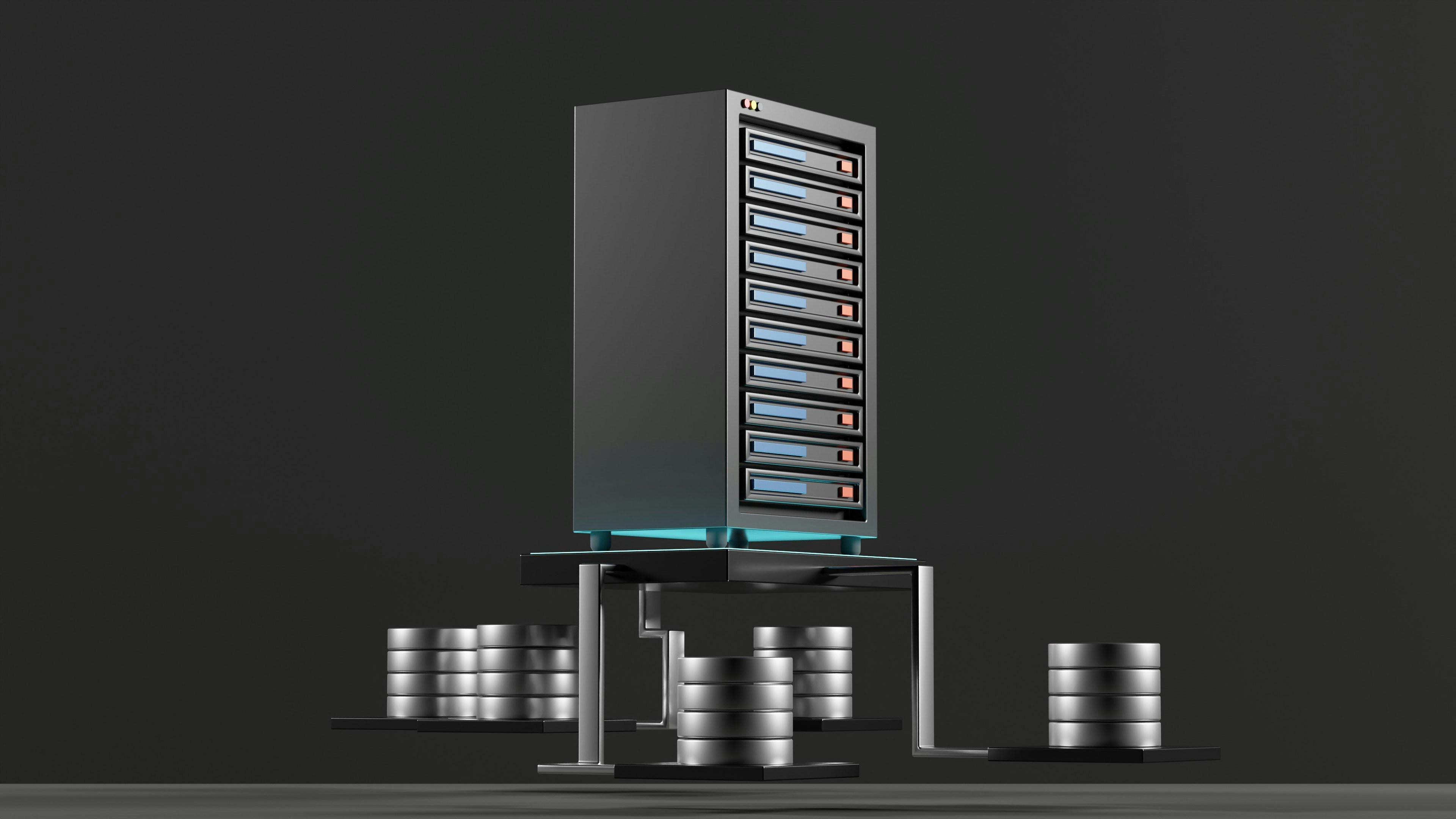
## Why Your IP Address is Your Best Friend in a Crisis
Think of an IP address as the street address for your device on the internet. Without it, data wouldn't know where to go. When something breaks—whether you can't access a website, your smart home device goes offline, or your VPN connection feels sluggish—the problem often lies somewhere along that data highway. Your public IP address is your unique identifier to the outside world. Knowing it allows you to:
- **Verify Your Connection:** The simplest check of all. If you have a public IP address, you're connected to the internet. If not, the problem is likely local (your router, your ISP, or your device).
- **Check Blacklists:** If you suddenly can't send emails or access certain services, your IP might have been mistakenly blacklisted. Knowing your IP is the first step to checking and resolving this.
- **Configure Remote Access:** For setting up remote desktop, a home media server (like Plex), or accessing security cameras, you need to know your public IP to connect from outside your home network.
- **Troubleshoot VPNs:** Is your VPN actually working? This tool will show you the IP address the world sees. If it's your real IP and not the VPN server's, you have a leak that needs fixing.
Before tools like this, finding your public IP meant digging through router settings or using command-line prompts like `ipconfig` or `ifconfig`, which often just show your \*local\* IP. This tool cuts through the noise and gives you the exact information you need, instantly. That efficiency is invaluable when you're trying to solve a problem under pressure.
## Decoding the IP Universe: A Quick Guide
Not all IP addresses are created equal. Understanding the different types is key to effective troubleshooting.
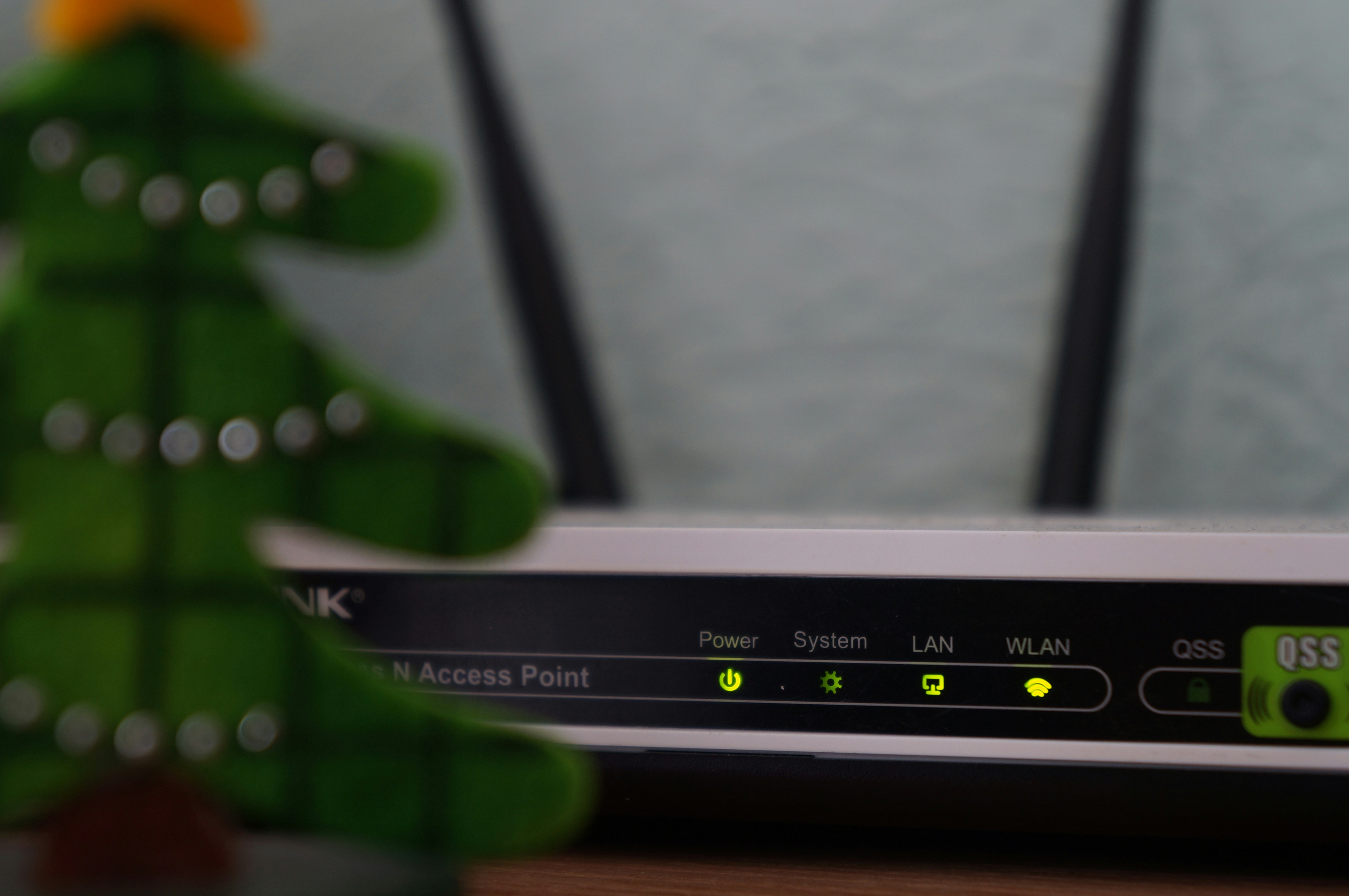
### Public vs. Private IP Addresses
Every device on your home network (your phone, laptop, smart TV) has a **private IP address** assigned by your router. These are used for internal communication only and aren't visible to the outside world. They usually start with 192.168.x.x, 10.x.x.x, or 172.16.x.x. Your entire network shares a single **public IP address**, which is assigned by your Internet Service Provider (ISP). This is the address that websites and other servers see. This tool shows you your public IP.
### Dynamic vs. Static IP Addresses
Most residential ISPs assign **dynamic IP addresses**. This means your public IP can change periodically—when you restart your router or after a set lease time expires. It's cost-effective for ISPs. A **static IP address**, on the other hand, never changes. Businesses often pay extra for one to reliably host websites, email servers, or provide remote access to employees. If you're running a server from home, a static IP can be a lifesaver.
### IPv4 vs. IPv6
**IPv4** is the older standard, written as four numbers separated by dots (e.g., `192.0.2.146`). It supports about 4.3 billion addresses, which we've nearly exhausted! To solve this, **IPv6** was created. It uses a much longer format of hexadecimal numbers and colons (e.g., `2001:0db8:85a3:0000:0000:8a2e:0370:7334`) and provides a virtually infinite number of addresses. We're in a transition period, so most devices have both an IPv4 and an IPv6 address.
## A Quick Tutorial: How to "Read" an IP Address
You don't "create" an IP address yourself; it's assigned to you automatically. A public IP is assigned by your ISP, and a private IP is assigned by your router via a process called DHCP (Dynamic Host Configuration Protocol). But you can definitely learn to read one\!
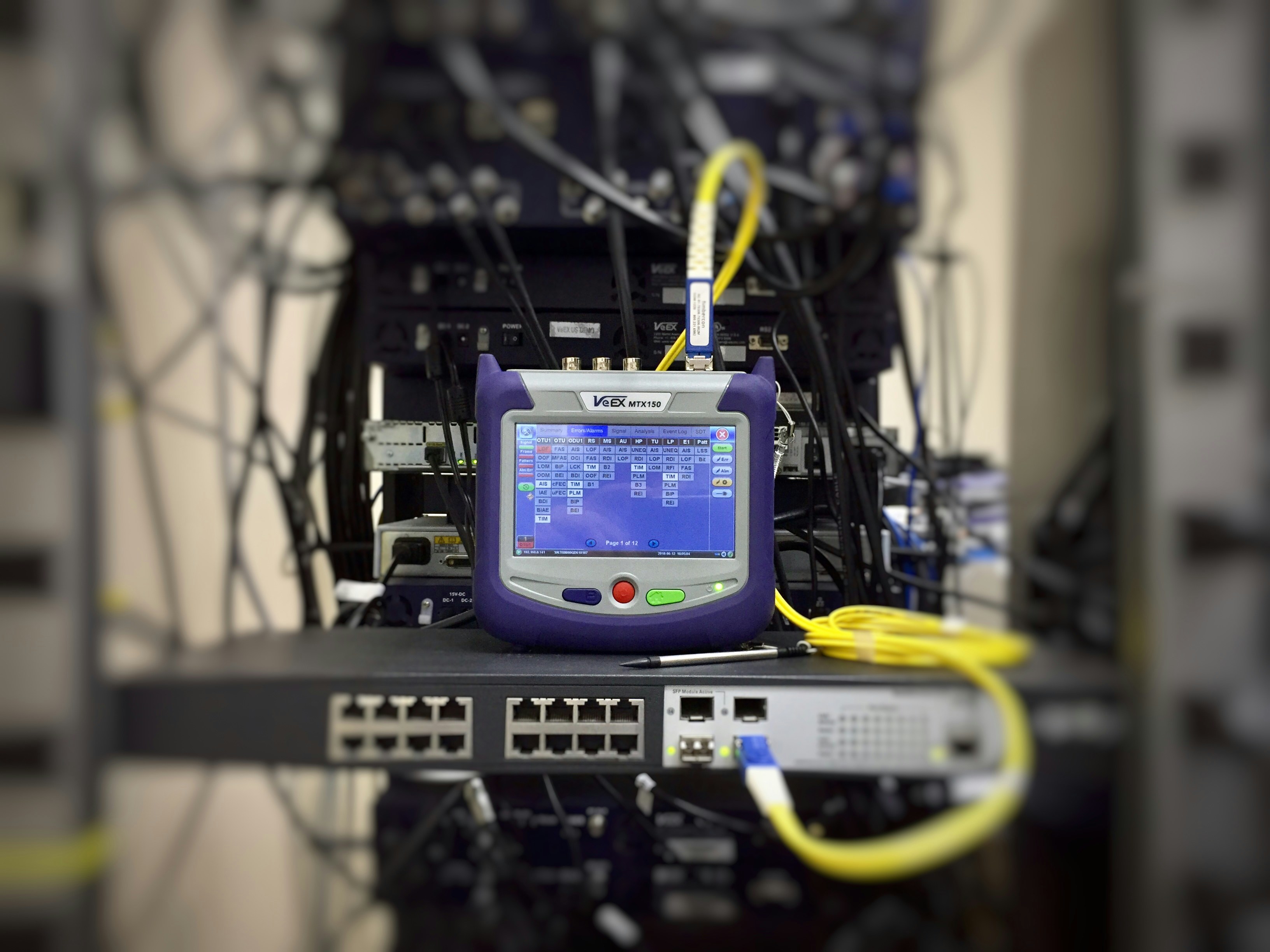
Let's take a standard IPv4 address: `172.16.254.1`.
- It's made of four numbers, called octets.
- Each octet is an 8-bit number, ranging from 0 to 255.
- The address is split into two parts: the **Network ID** and the **Host ID**. The Network ID identifies the specific network you're on, while the Host ID identifies your specific device on that network. The split between these two parts is determined by something called a subnet mask, but for basic troubleshooting, you just need to know the full address.
When you use this tool, you're not just getting a string of numbers. You're getting your digital address, your location in the vast network of the internet. And having that information at your fingertips isn't just a convenience—it's the first step toward becoming your own tech hero. It empowers you to understand your connection, diagnose problems, and stay in control of your digital life.
## Why Use Our IP Tools?
### Instant Results
Get your IP information in a flash. No waiting, no captchas, just the data you need, right when you need it. Our tool provides real-time updates for your public IP address.
### Detailed Geolocation
Discover not just your IP, but also your country, city, region, and even your postal code. Perfect for checking your VPN connection, understanding network routing, or verifying your online location.
### Privacy Focused
We value your privacy and help you understand your digital footprint. By showing you what information is publicly available, we empower you to stay informed and secure online. We do not store your IP data.
## Frequently Asked Questions
What is an IP address?
An IP (Internet Protocol) address is a unique numerical label assigned to each device connected to a computer network that uses the Internet Protocol for communication. It serves two main functions: host or network interface identification and location addressing.
What's the difference between IPv4 and IPv6?
IPv4 is the fourth version of the Internet Protocol and has been in use since the 1980s. It uses a 32-bit address, allowing for about 4.3 billion unique addresses. IPv6 is the newer version, using a 128-bit address, which provides a virtually limitless number of unique addresses to accommodate the growing number of internet-connected devices.
Why does my IP address change?
Most Internet Service Providers (ISPs) assign dynamic IP addresses, which can change periodically. This is done to conserve their pool of available IP addresses. If you need an IP address that doesn't change, you can often request a 'static IP' from your ISP, sometimes for an additional fee.
How accurate is IP geolocation?
IP-based geolocation is an estimate, not an exact science. It often points to the location of your ISP's central hub, which could be in a different city or even state. It's a good indicator of your general region but shouldn't be treated like GPS coordinates.
### Troubleshooting Tip
If the tool can't fetch your IP, try disabling your ad-blocker or browser extensions that might interfere with network requests. A simple page refresh or clicking the 'Refresh IP Info' button can also solve temporary connection issues.
[Privacy Policy](https://whatsmyipaddress.tech/privacy)[About Us](https://whatsmyipaddress.tech/about)[Contact](https://whatsmyipaddress.tech/contact)
© 2026 IP Shield. All rights reserved. |
| Readable Markdown | Hey there! If you've ever found yourself staring at a loading screen that never ends or a "Cannot connect to server" error, you know the frustration. As someone who's spent countless hours deep in the trenches of IT and network troubleshooting, I can tell you that one of the first and most critical pieces of the puzzle is always the IP address. It's the starting point for diagnosing almost any network issue, and having a quick way to find it is a game-changer. That's exactly why I built this tool—to take the headache out of the first step and save you precious time.

## Why Your IP Address is Your Best Friend in a Crisis
Think of an IP address as the street address for your device on the internet. Without it, data wouldn't know where to go. When something breaks—whether you can't access a website, your smart home device goes offline, or your VPN connection feels sluggish—the problem often lies somewhere along that data highway. Your public IP address is your unique identifier to the outside world. Knowing it allows you to:
- **Verify Your Connection:** The simplest check of all. If you have a public IP address, you're connected to the internet. If not, the problem is likely local (your router, your ISP, or your device).
- **Check Blacklists:** If you suddenly can't send emails or access certain services, your IP might have been mistakenly blacklisted. Knowing your IP is the first step to checking and resolving this.
- **Configure Remote Access:** For setting up remote desktop, a home media server (like Plex), or accessing security cameras, you need to know your public IP to connect from outside your home network.
- **Troubleshoot VPNs:** Is your VPN actually working? This tool will show you the IP address the world sees. If it's your real IP and not the VPN server's, you have a leak that needs fixing.
Before tools like this, finding your public IP meant digging through router settings or using command-line prompts like `ipconfig` or `ifconfig`, which often just show your \*local\* IP. This tool cuts through the noise and gives you the exact information you need, instantly. That efficiency is invaluable when you're trying to solve a problem under pressure.
## Decoding the IP Universe: A Quick Guide
Not all IP addresses are created equal. Understanding the different types is key to effective troubleshooting.

### Public vs. Private IP Addresses
Every device on your home network (your phone, laptop, smart TV) has a **private IP address** assigned by your router. These are used for internal communication only and aren't visible to the outside world. They usually start with 192.168.x.x, 10.x.x.x, or 172.16.x.x. Your entire network shares a single **public IP address**, which is assigned by your Internet Service Provider (ISP). This is the address that websites and other servers see. This tool shows you your public IP.
### Dynamic vs. Static IP Addresses
Most residential ISPs assign **dynamic IP addresses**. This means your public IP can change periodically—when you restart your router or after a set lease time expires. It's cost-effective for ISPs. A **static IP address**, on the other hand, never changes. Businesses often pay extra for one to reliably host websites, email servers, or provide remote access to employees. If you're running a server from home, a static IP can be a lifesaver.
### IPv4 vs. IPv6
**IPv4** is the older standard, written as four numbers separated by dots (e.g., `192.0.2.146`). It supports about 4.3 billion addresses, which we've nearly exhausted! To solve this, **IPv6** was created. It uses a much longer format of hexadecimal numbers and colons (e.g., `2001:0db8:85a3:0000:0000:8a2e:0370:7334`) and provides a virtually infinite number of addresses. We're in a transition period, so most devices have both an IPv4 and an IPv6 address.
## A Quick Tutorial: How to "Read" an IP Address
You don't "create" an IP address yourself; it's assigned to you automatically. A public IP is assigned by your ISP, and a private IP is assigned by your router via a process called DHCP (Dynamic Host Configuration Protocol). But you can definitely learn to read one\!

Let's take a standard IPv4 address: `172.16.254.1`.
- It's made of four numbers, called octets.
- Each octet is an 8-bit number, ranging from 0 to 255.
- The address is split into two parts: the **Network ID** and the **Host ID**. The Network ID identifies the specific network you're on, while the Host ID identifies your specific device on that network. The split between these two parts is determined by something called a subnet mask, but for basic troubleshooting, you just need to know the full address.
When you use this tool, you're not just getting a string of numbers. You're getting your digital address, your location in the vast network of the internet. And having that information at your fingertips isn't just a convenience—it's the first step toward becoming your own tech hero. It empowers you to understand your connection, diagnose problems, and stay in control of your digital life. |
| Shard | 196 (laksa) |
| Root Hash | 12876578589038793996 |
| Unparsed URL | tech,whatsmyipaddress!/ s443 |